Cyberbanking – Transfers
You can make transfers within BEA (Hong Kong) or to other banks through Cyberbanking1.


Transfers within BEA (Hong Kong) in Cyberbanking
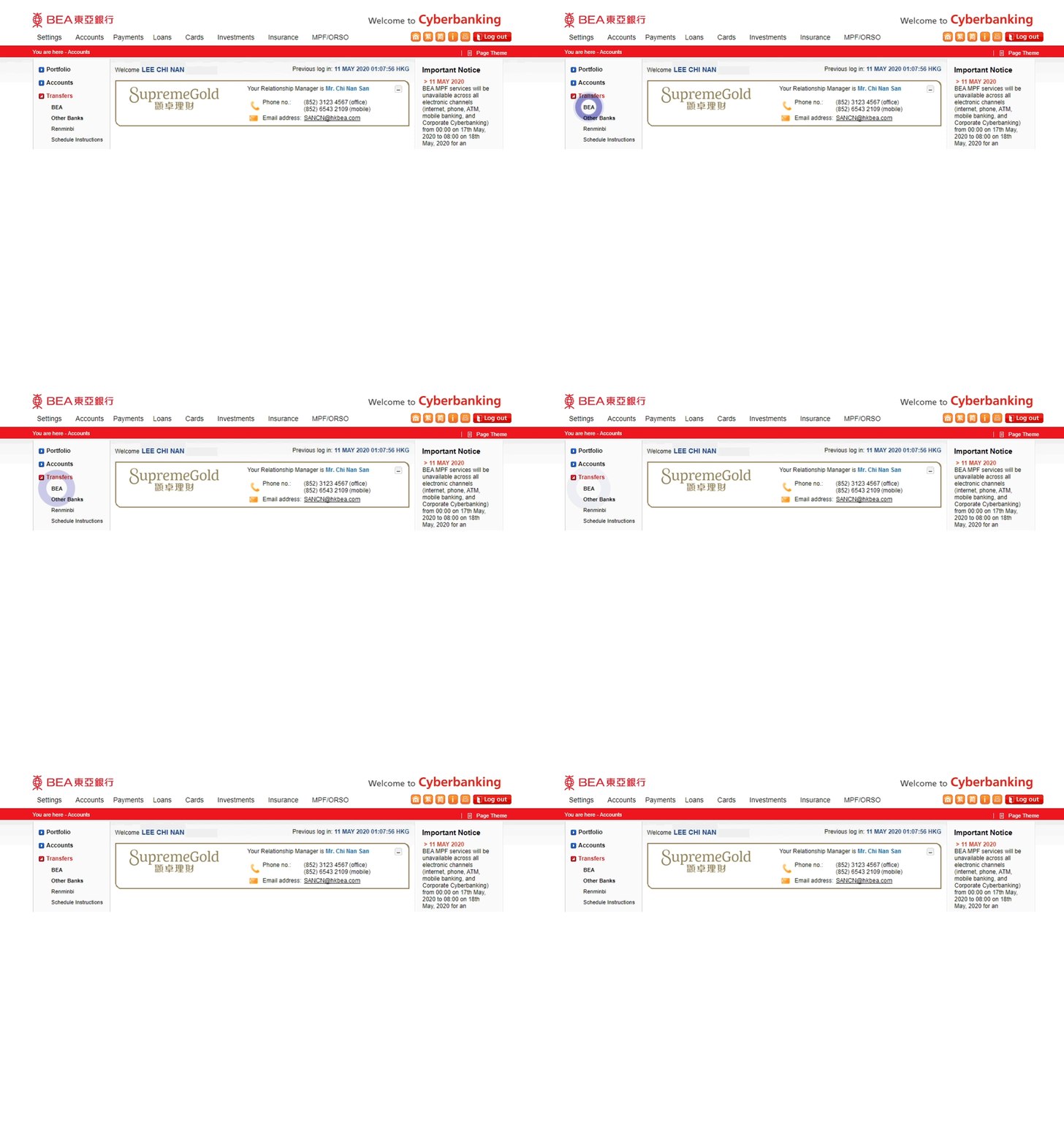
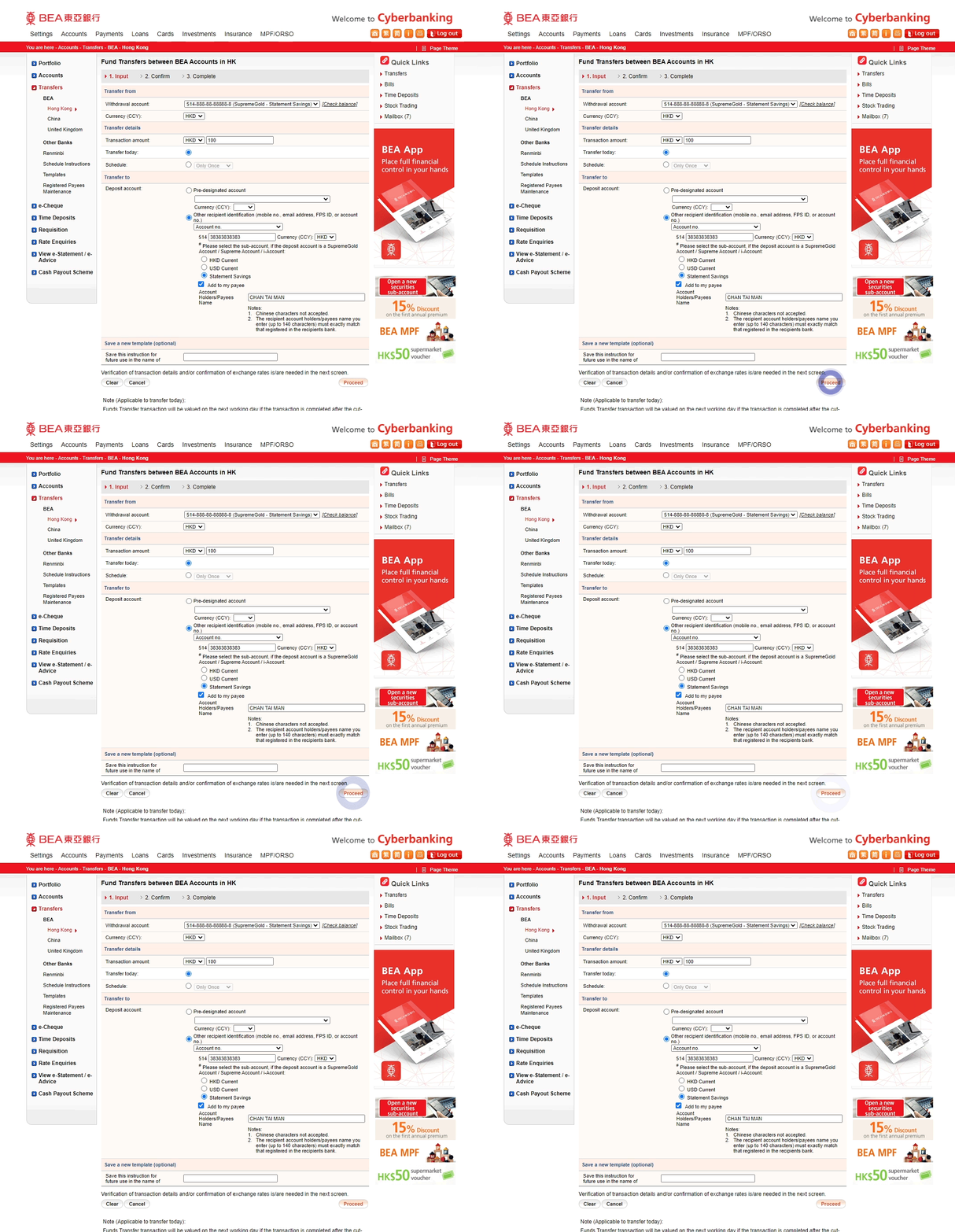
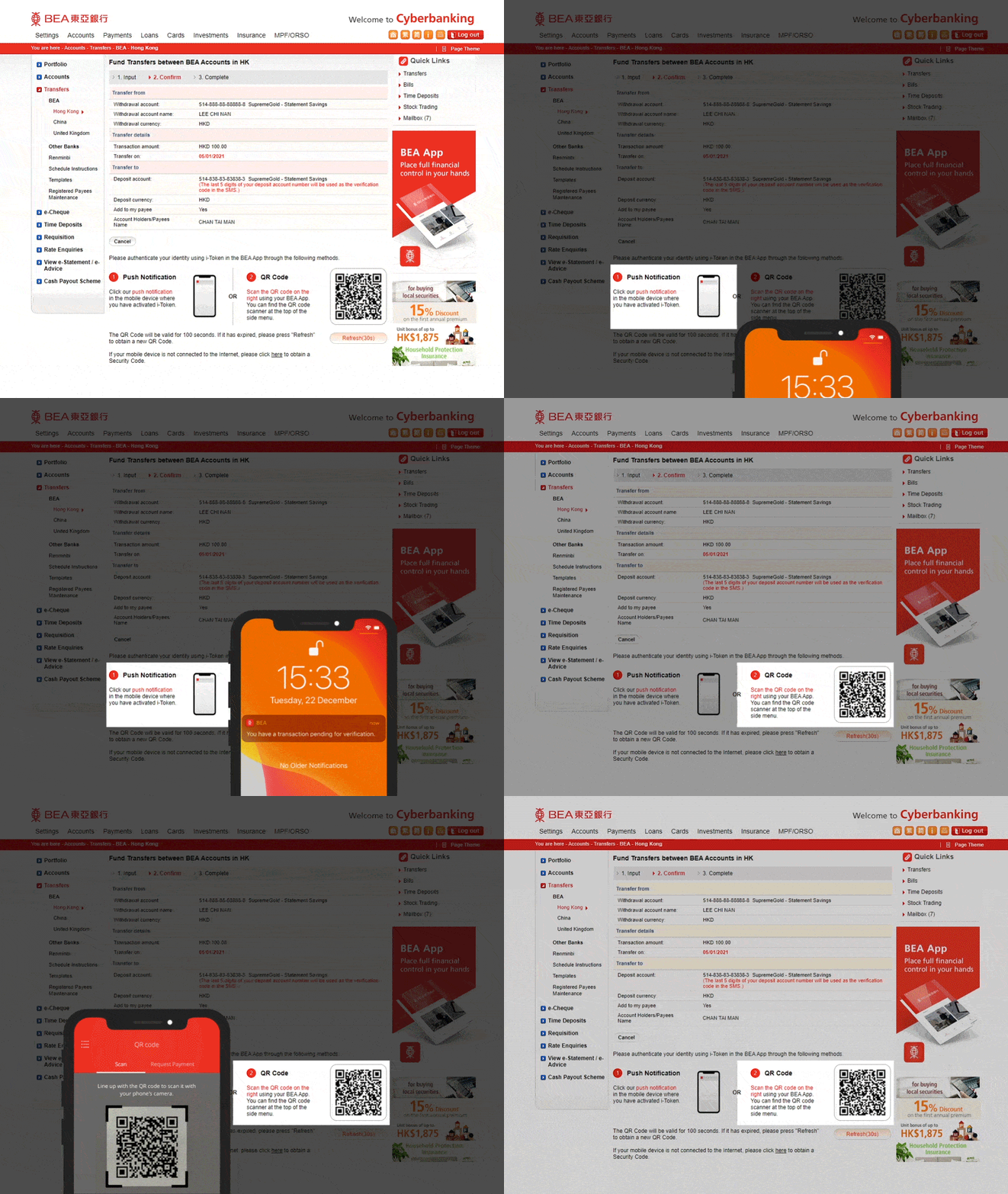
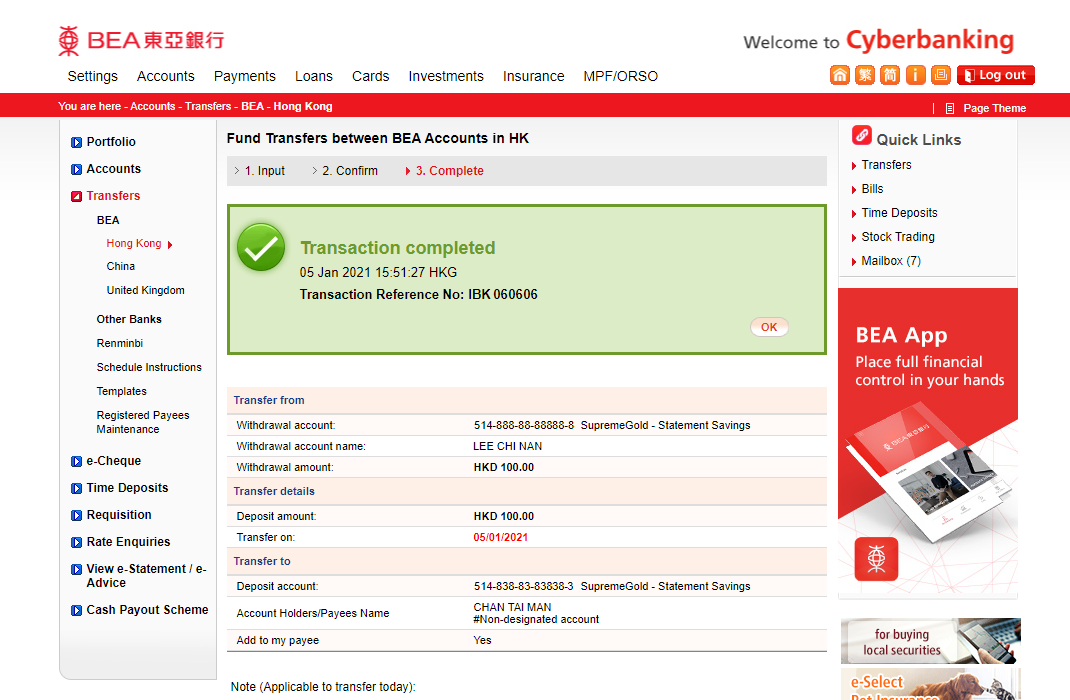
-
• Log in to Cyberbanking here • Select Transfers > BEA -
• Enter transaction details • Select "Other recipient information2 ” in Deposit account and enter a beneficiary information3: - - Mobile no.
- - Email address
- - FPS ID
- - Account No.
• Select “Add to my payee” (optional) • Select “Proceed” to continue -
• Verify the details • Tap the i-Token4 notification on your mobile phone or Scan the QR Code using the BEA App QR Code Scanner5 -
• Your transaction is completed
Transfers to other banks in Cyberbanking
-
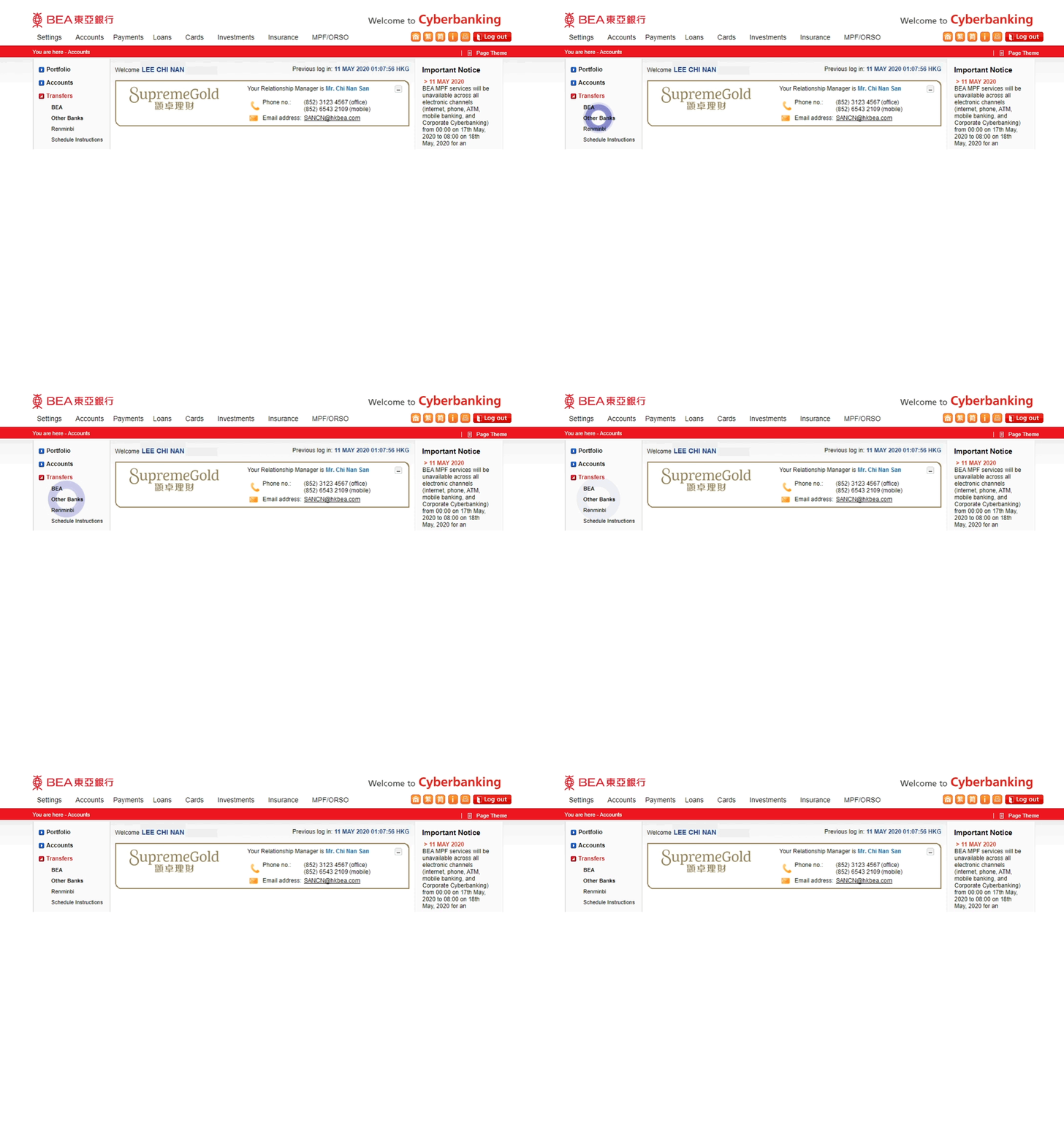
• Log in to Cyberbanking here • Select Transfers > Other Banks -
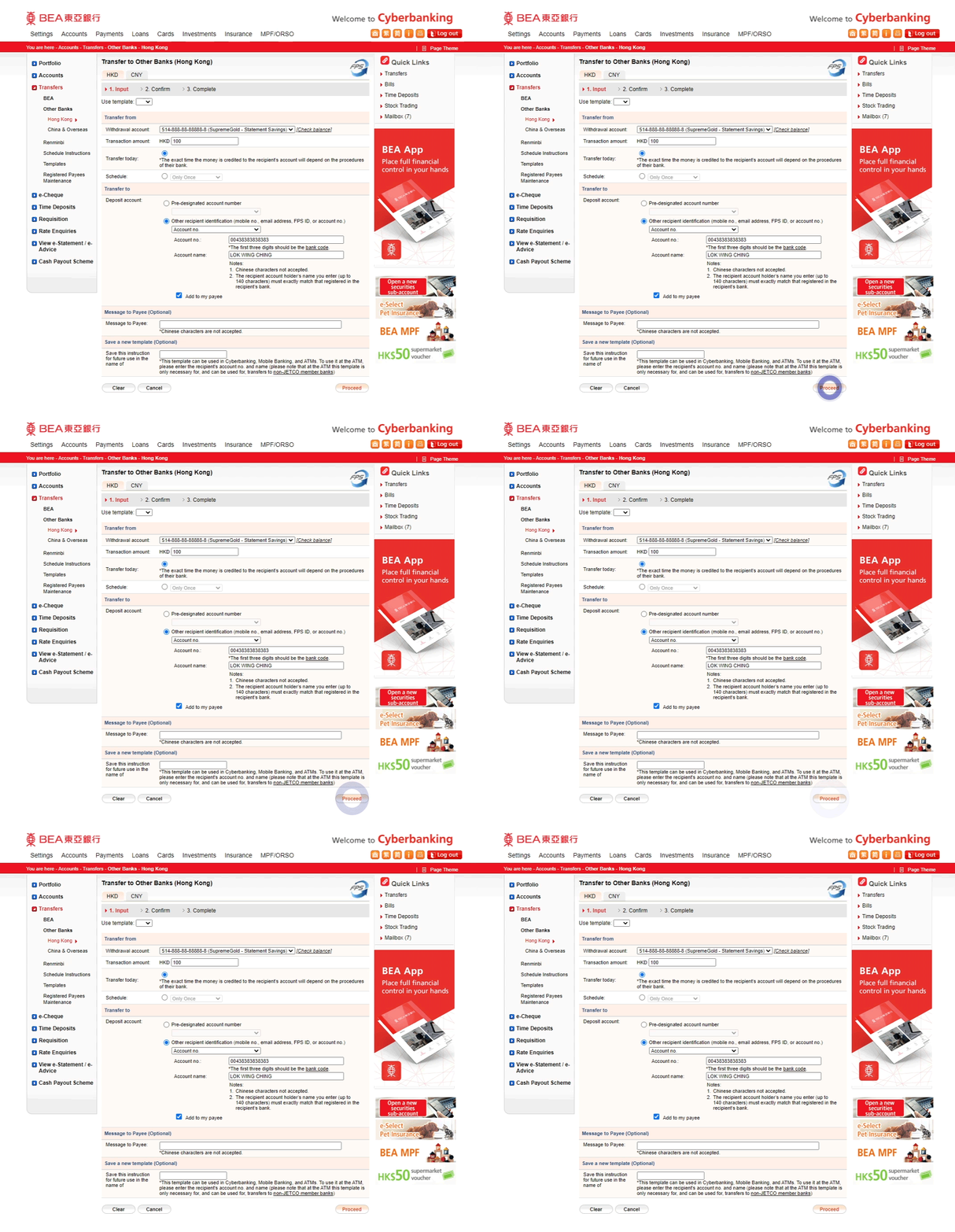
• Enter transaction details • Select "Other recipient information2 ” in Deposit account and enter a beneficiary information3: - - Mobile no.
- - Email address
- - FPS ID
- - Account No.
• Select “Add to my payee” (optional) • Select “Proceed” to continue -
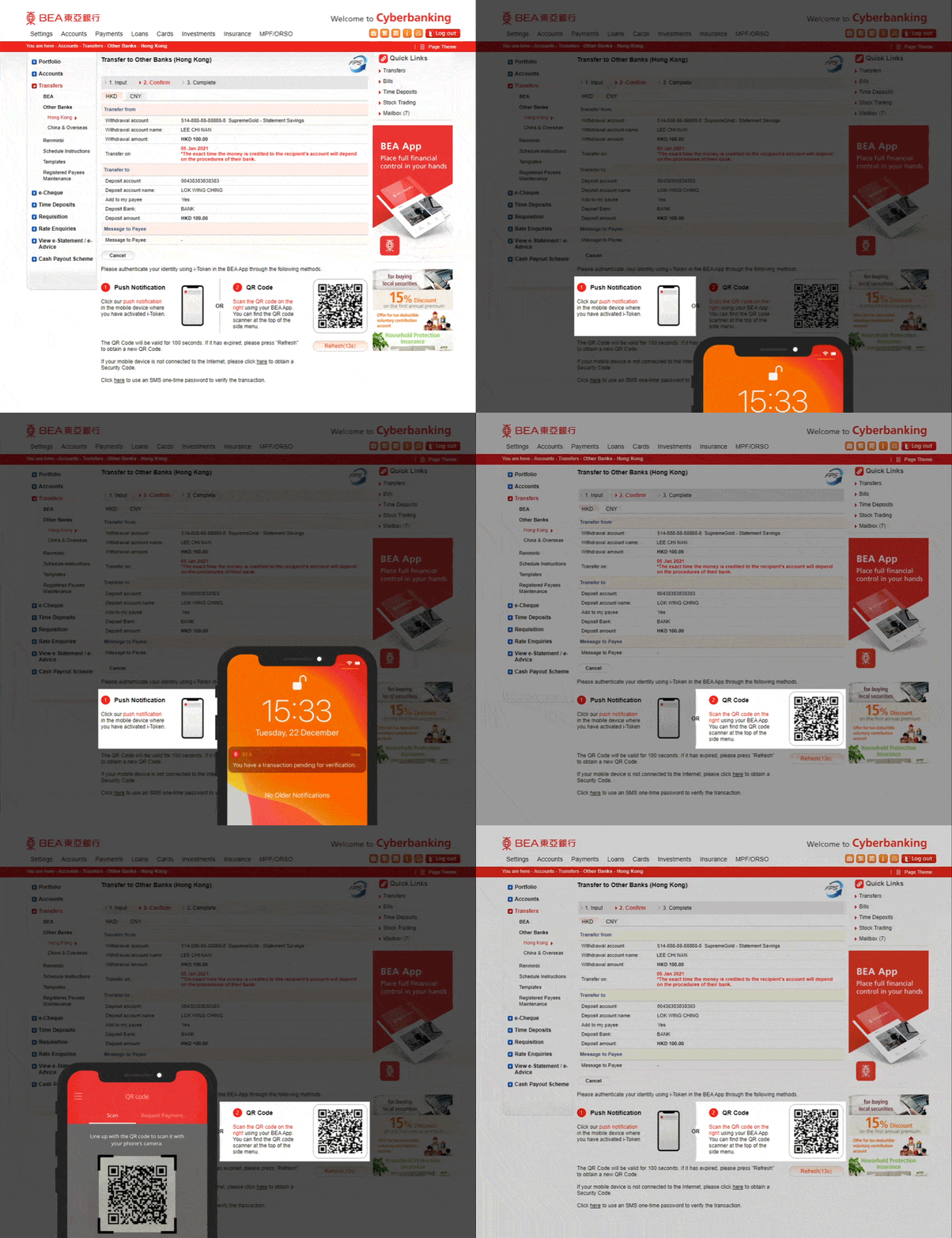
• Verify the details • Tap the i-Token4 notification on your mobile phone or Scan the QR Code using the BEA App QR Code Scanner5 -
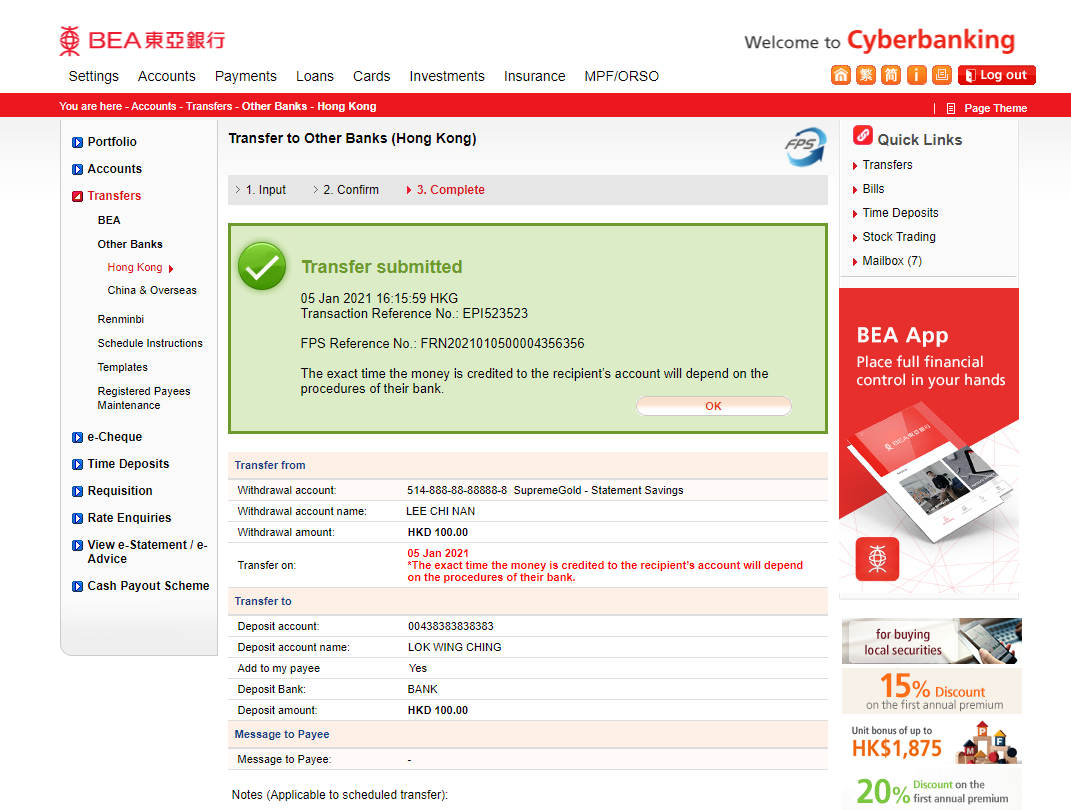
• Your transaction is completed