Cyberbanking – Telegraphic Transfer & Direct Remittance
You can make telegraphic transfer to other overseas banks and direct remittance to BEA China / United Kingdom through Cyberbanking within your daily transaction limit1.


Telegraphic Transfer to Other Overseas Banks
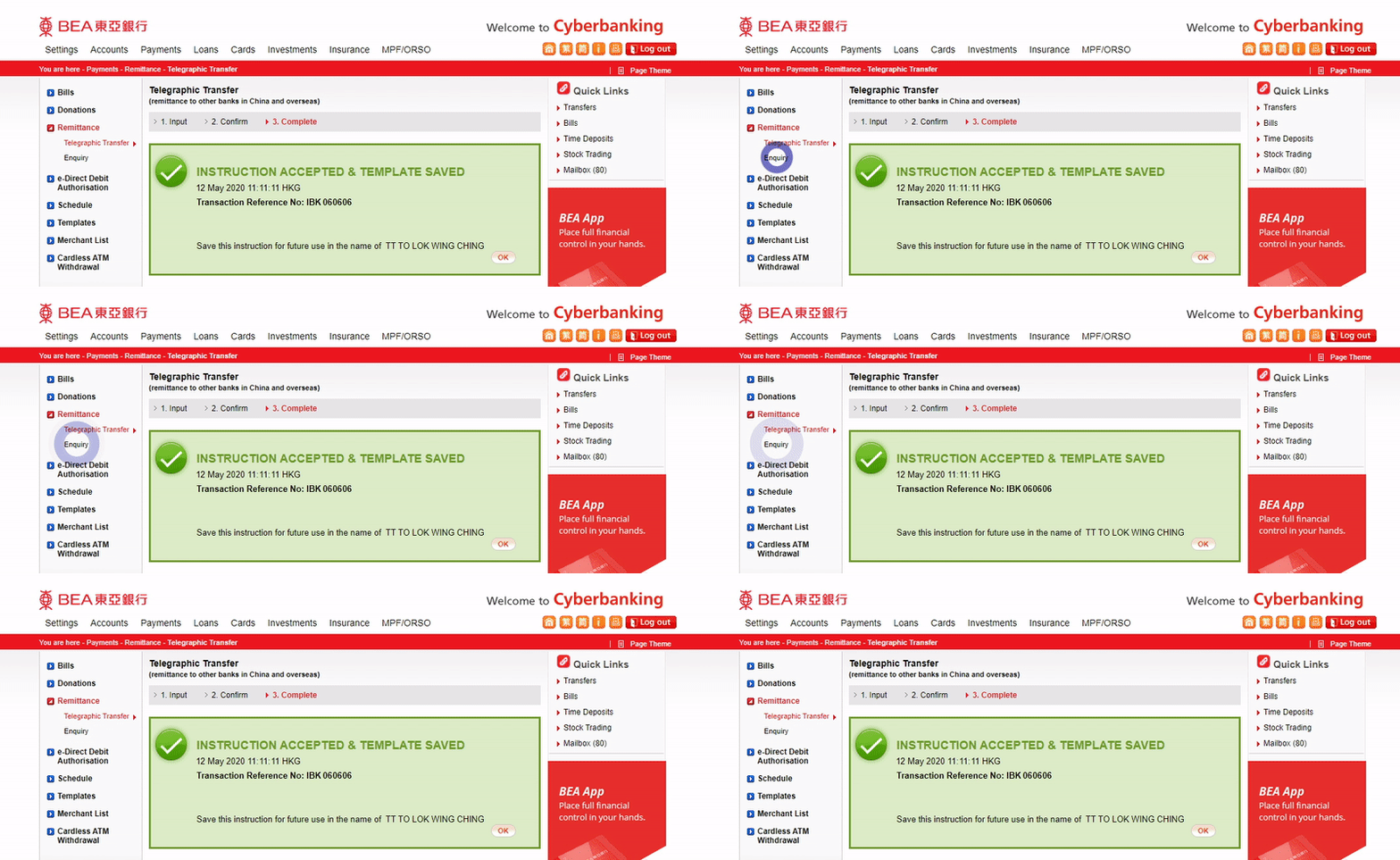
-
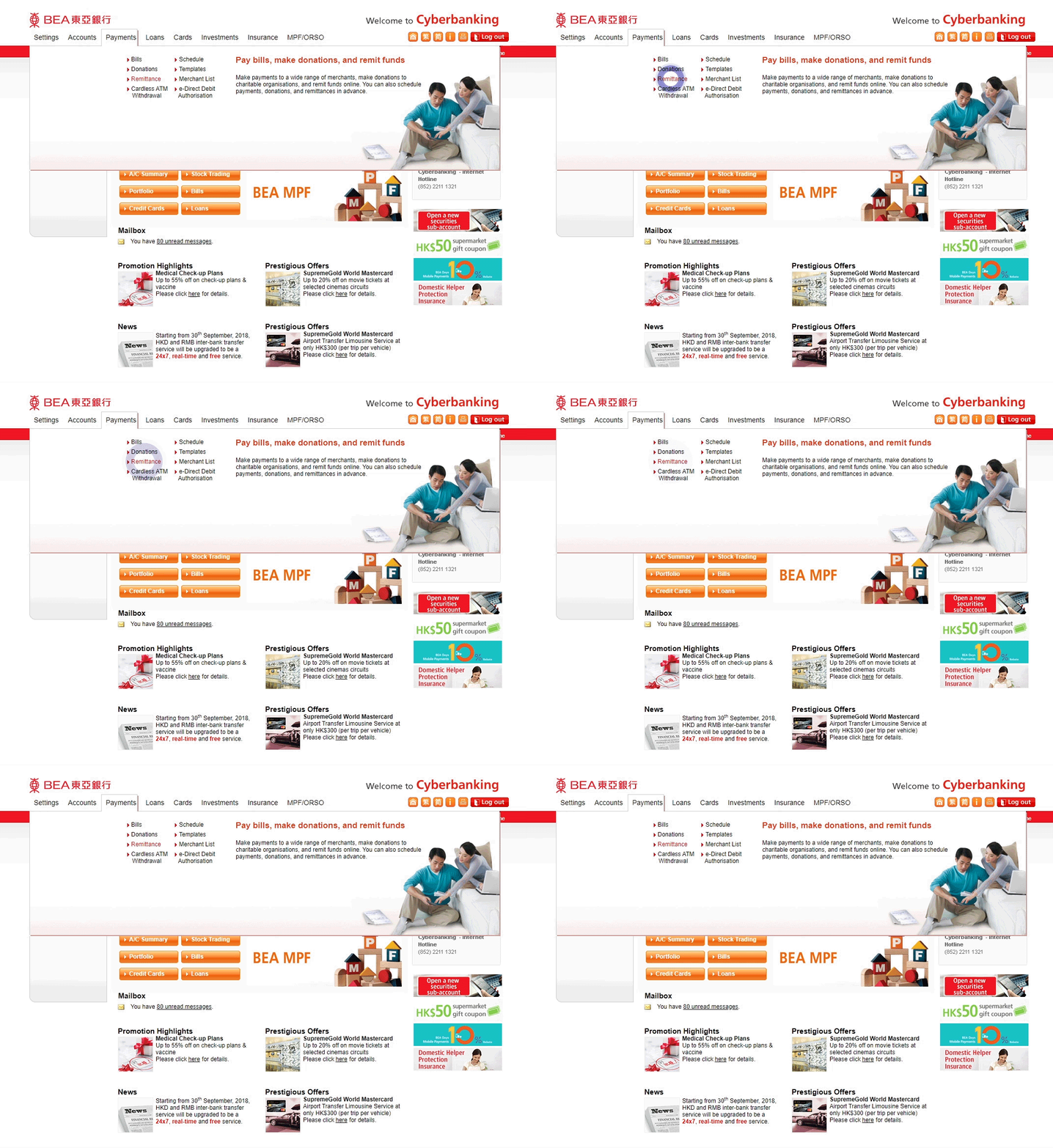
• Log in to Cyberbanking • Select Payments > Remittance -
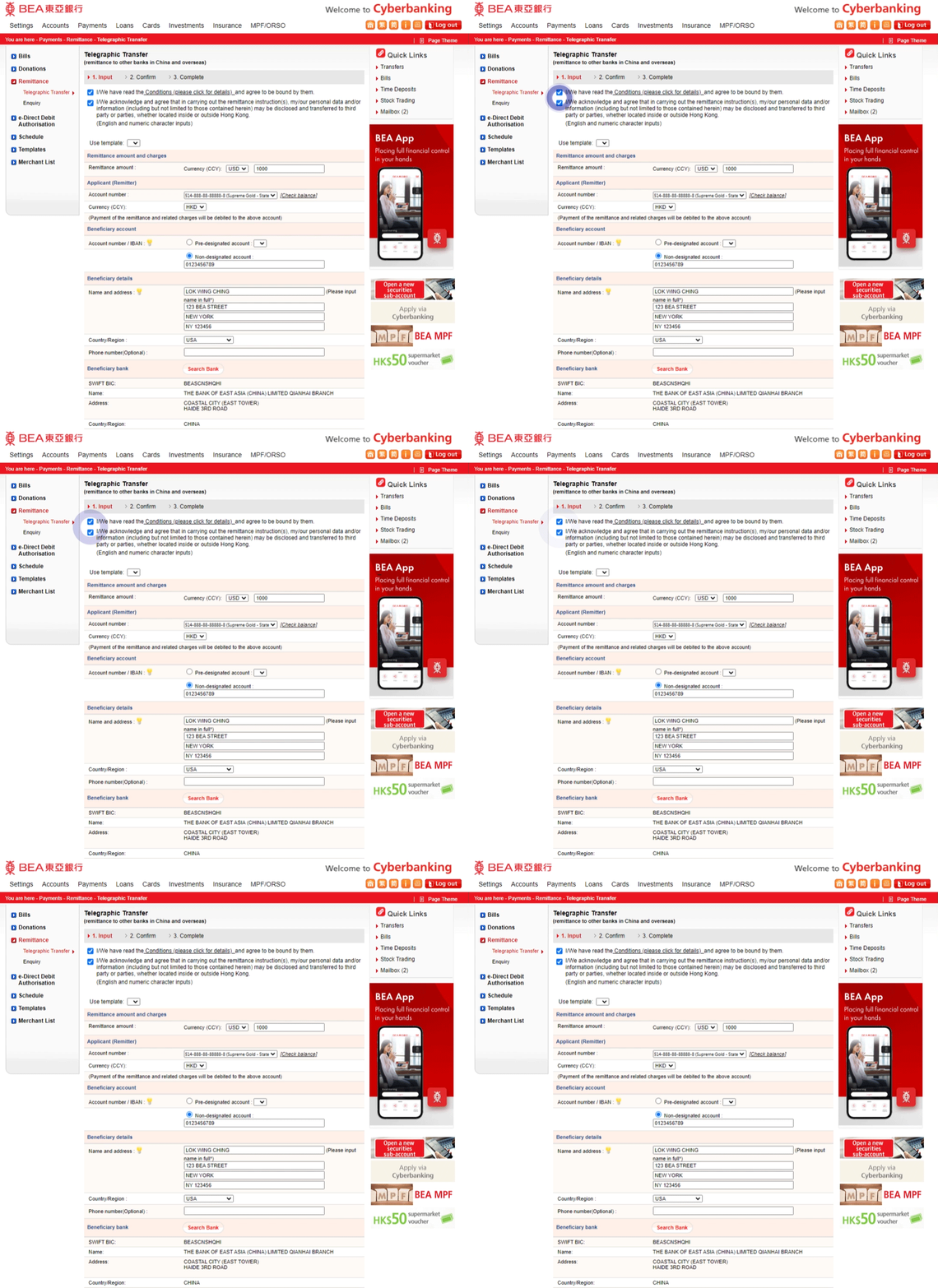
• Tick the terms and acknowledgement • Select/enter the transaction and beneficiary details2,3 -
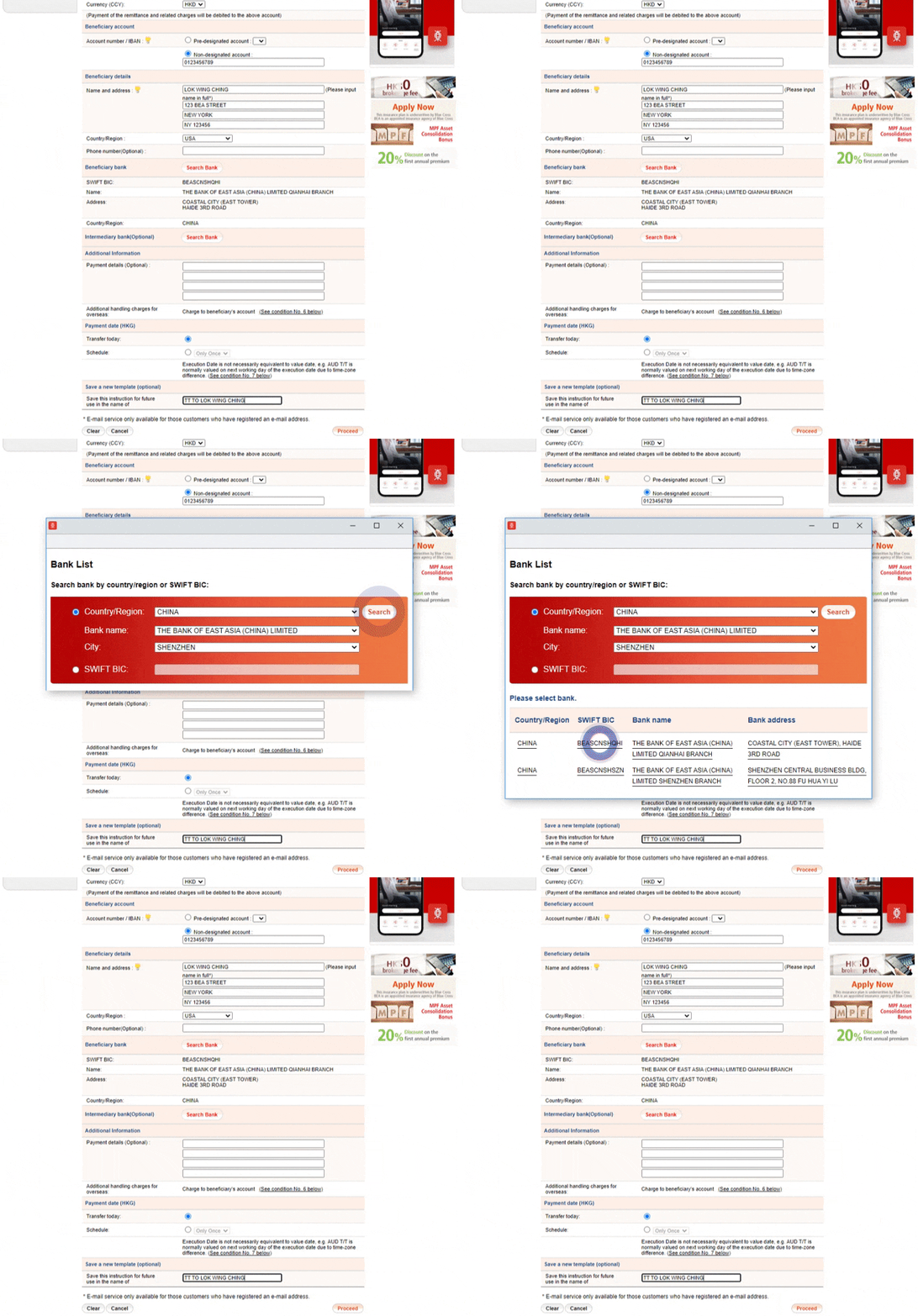
• Use “Search Bank ” to easily find the beneficiary/intermediary bank • Save a new template (optional) • Select “Proceed” to continue4 -
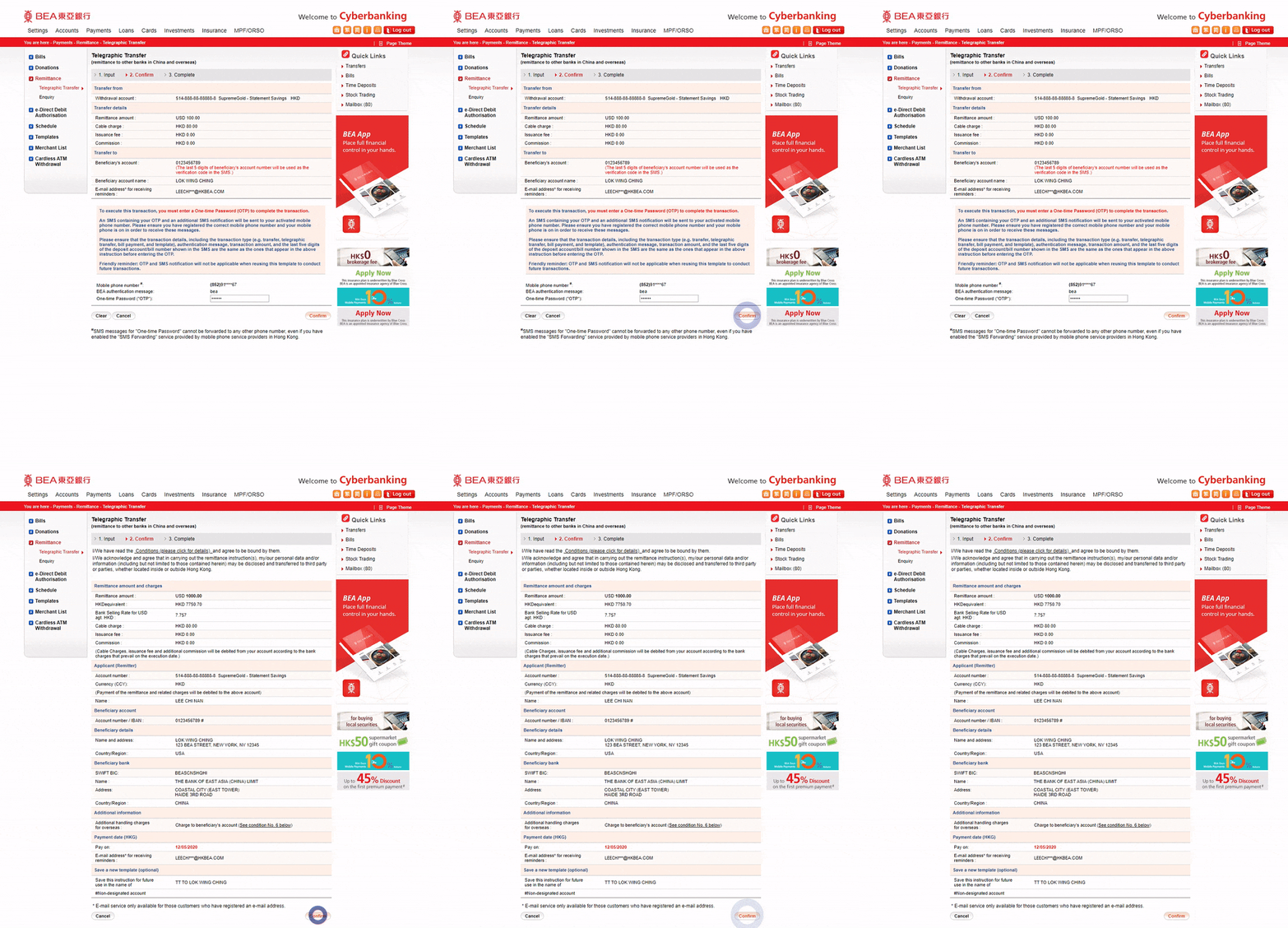
• Enter the One-time Password (OTP) sent to you and “Confirm” • Verify the transaction details • Select “Confirm” to continue -
• Your telegraphic transfer instruction is accepted • You can enquire about the status of your telegraphic transfer instruction via "Enquiry“5
Direct Remittance to BEA China / United Kingdom
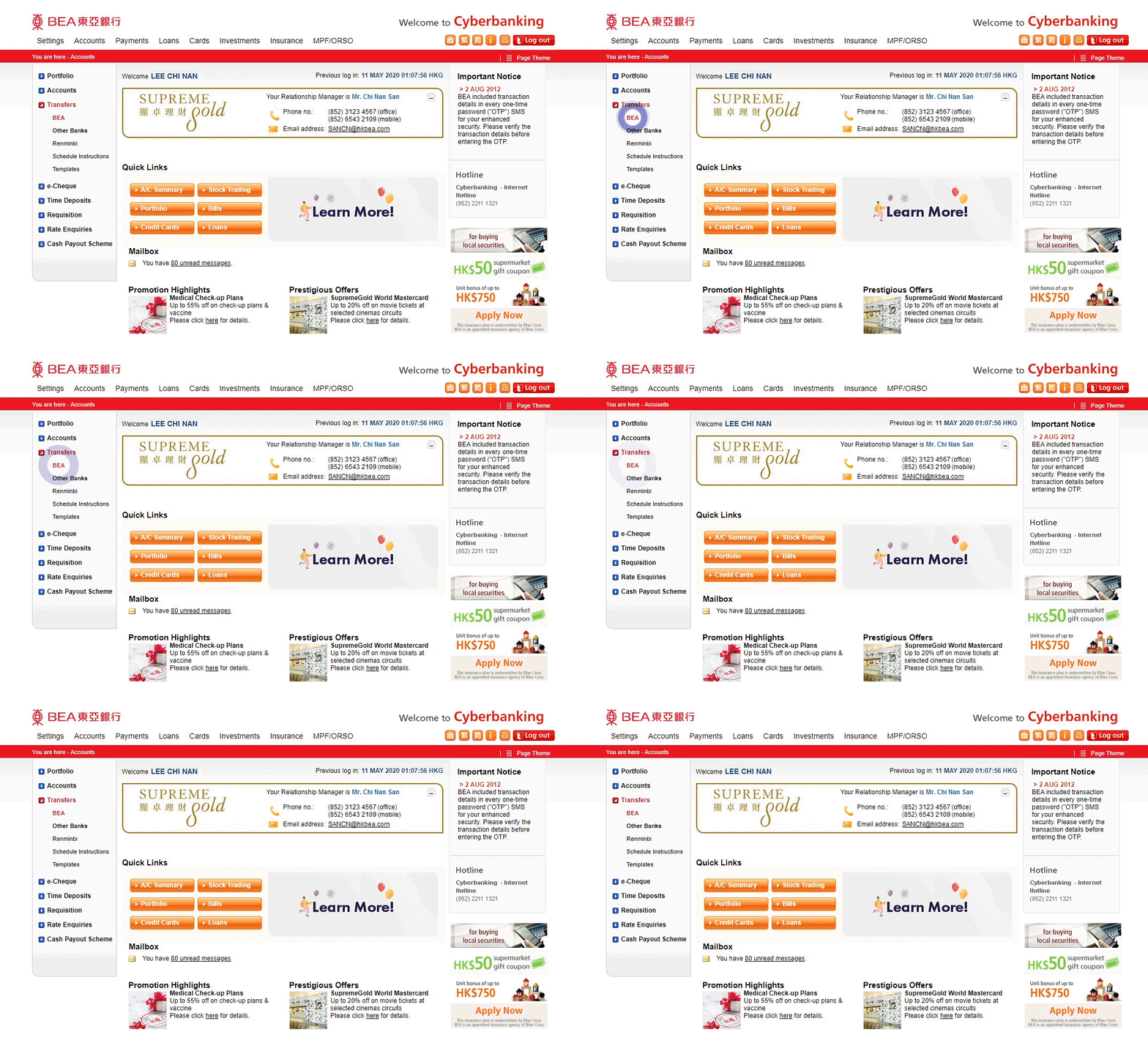
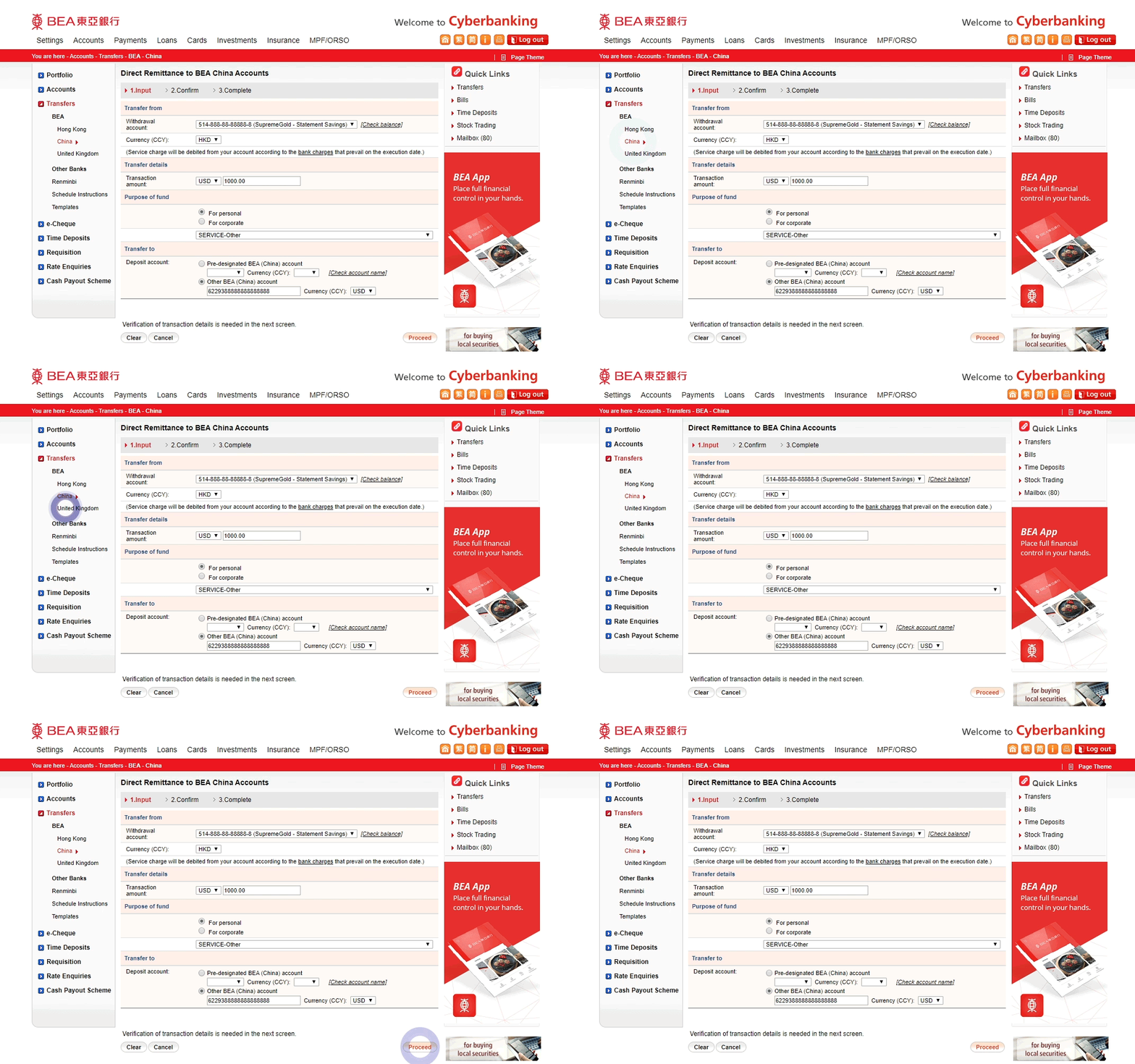
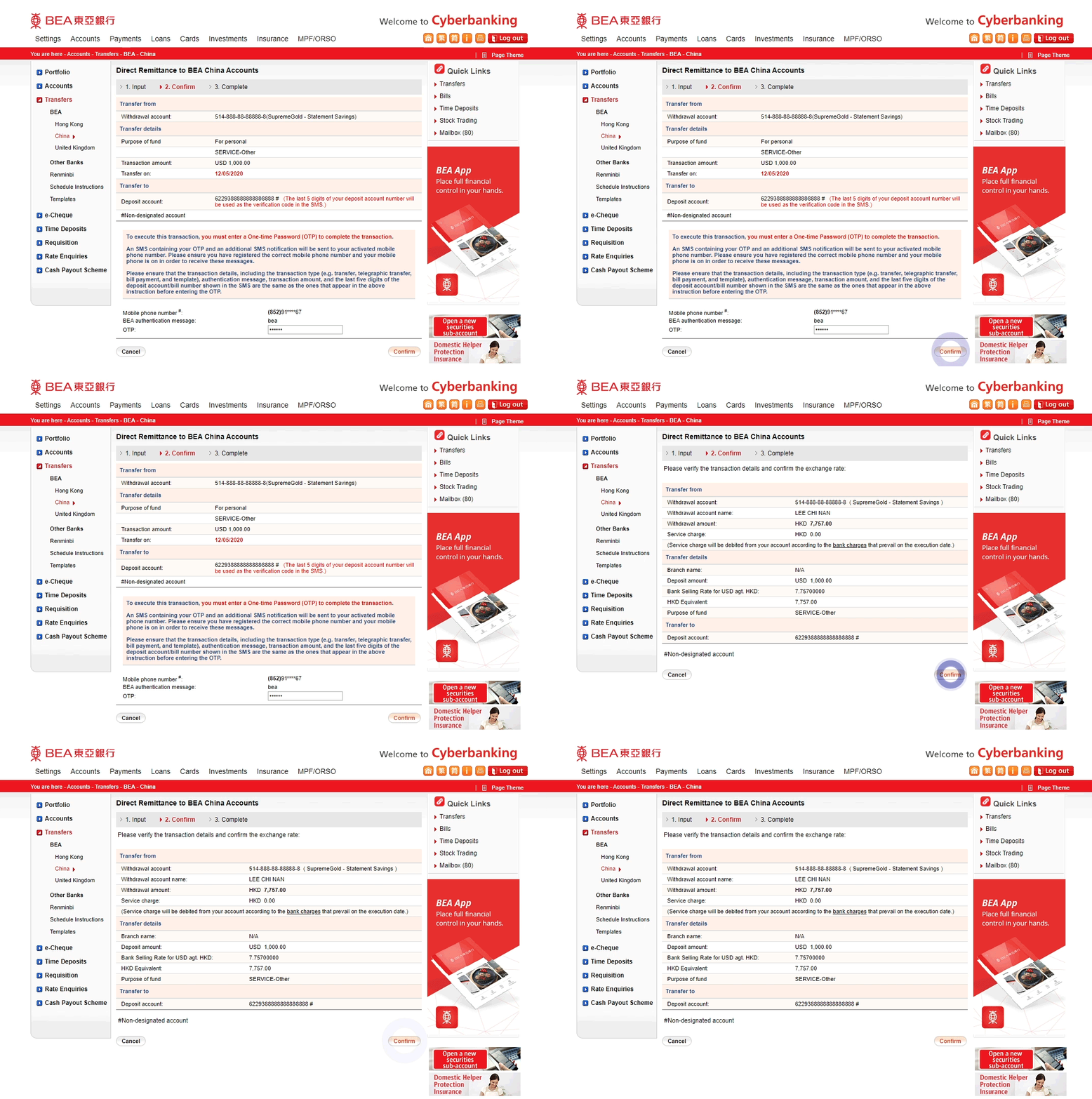
-
• Log in to Cyberbanking • Select Transfers > BEA -
• Select China or United Kingdom • Select/enter the transaction details • Select “Proceed”4 to continue -
• Enter the One-time Password (OTP) sent to you and “Confirm” • Verify the transaction details. • Select “Confirm” to continue -
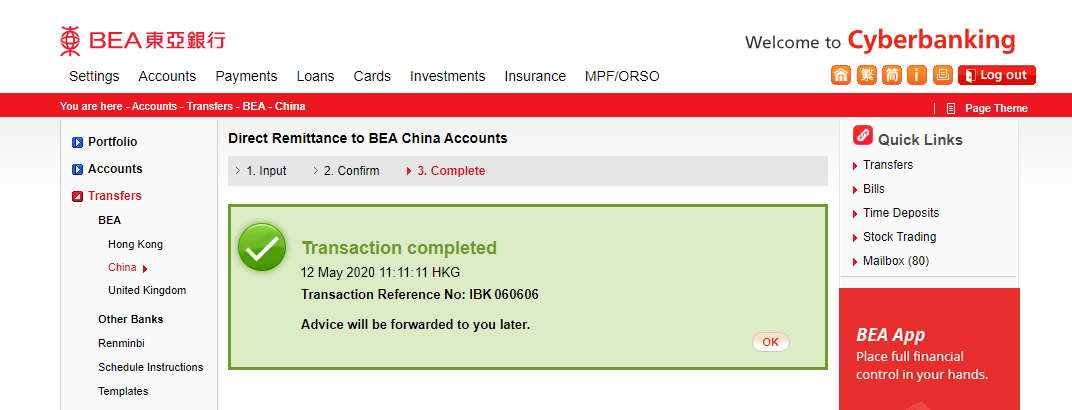
• Your transaction is completed