Cyberbanking – Registered Payees Maintenance
You can delete payee or login with i-Token1 to add registered payee.


Add Registered Payees
-
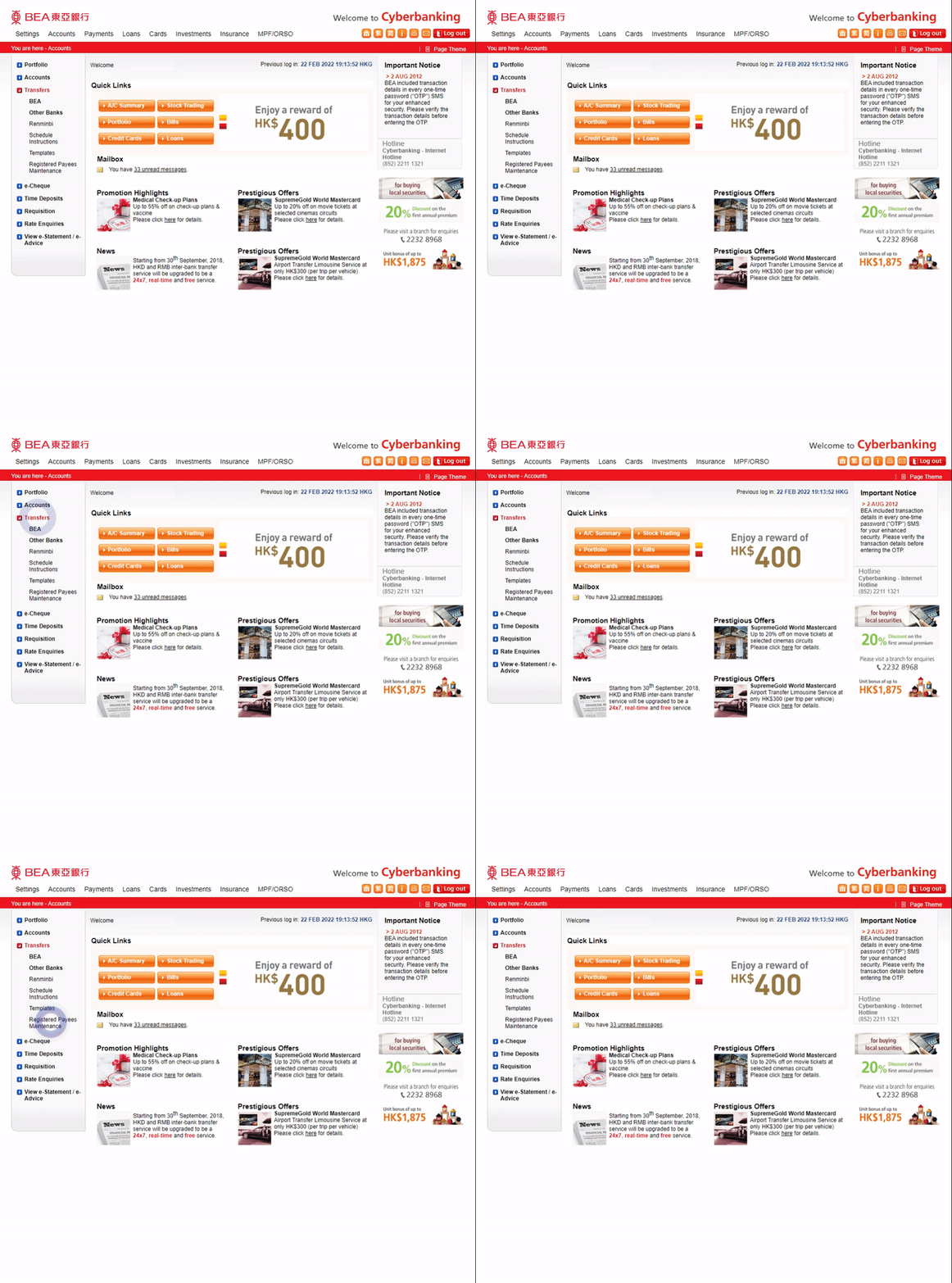
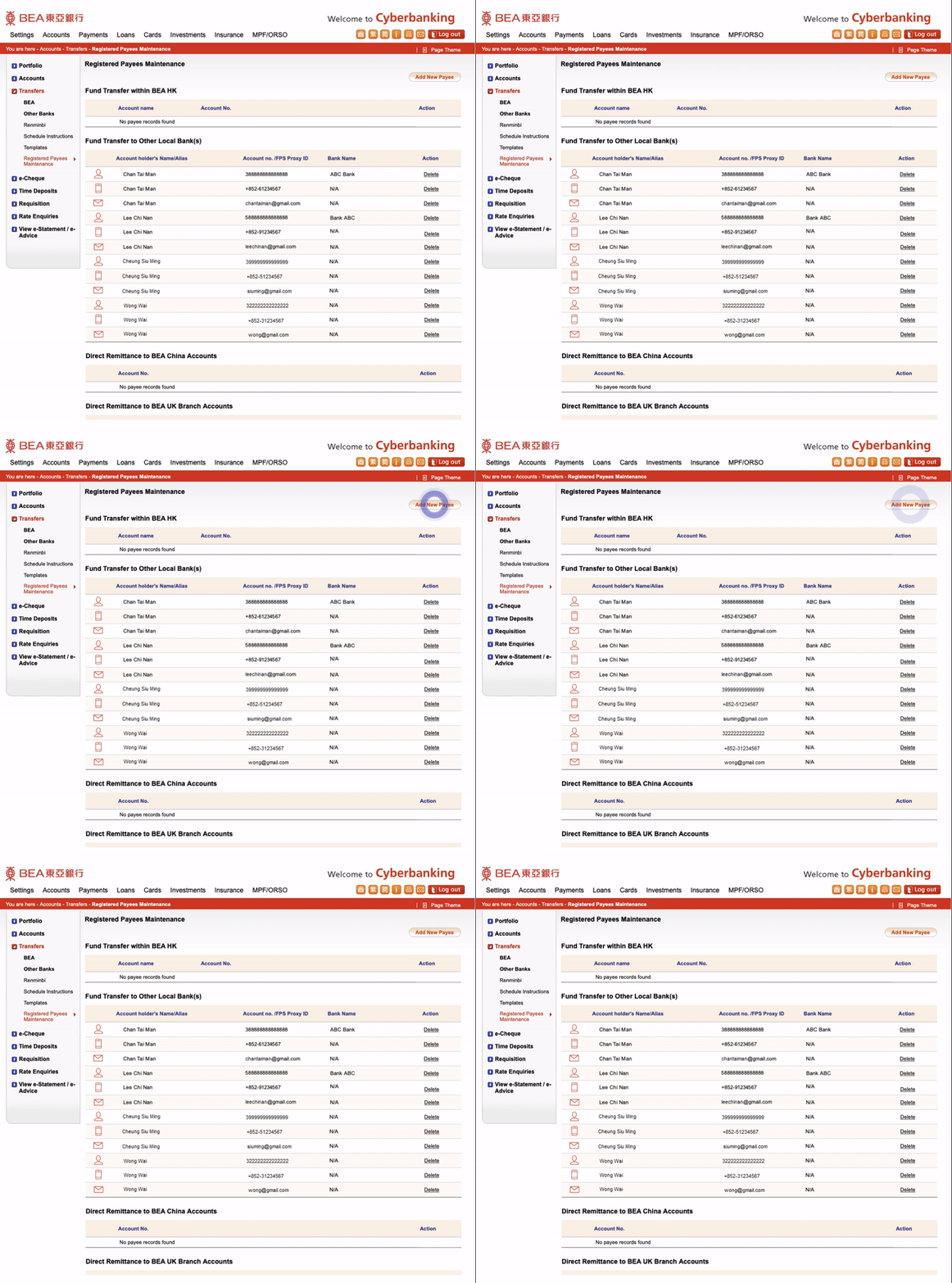
• Log in to Cyberbanking • Select Transfers > Registered Payees Maintenance -
• Select “Add New Payee” -
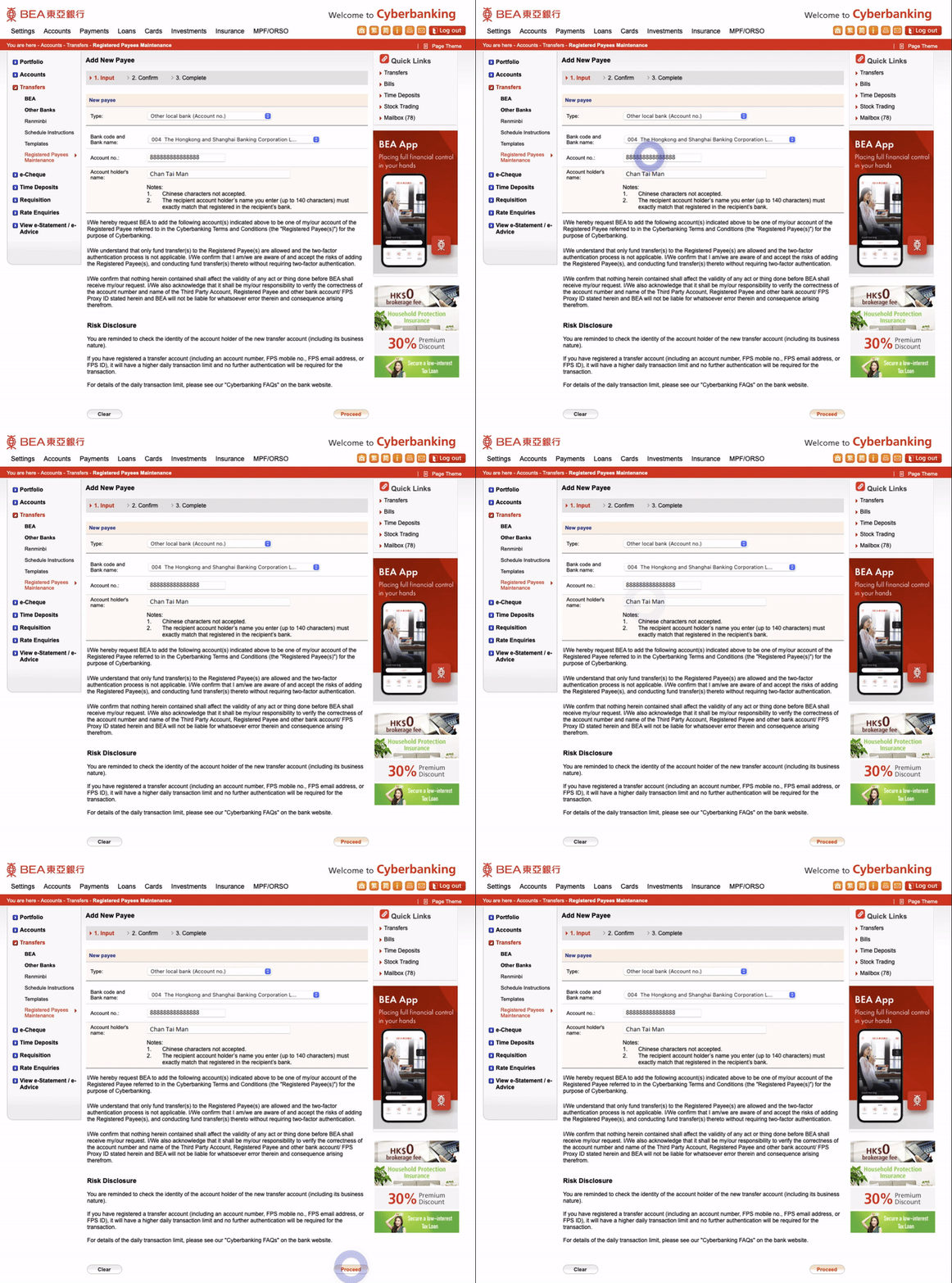
• Enter payee account details • Select “Proceed" -
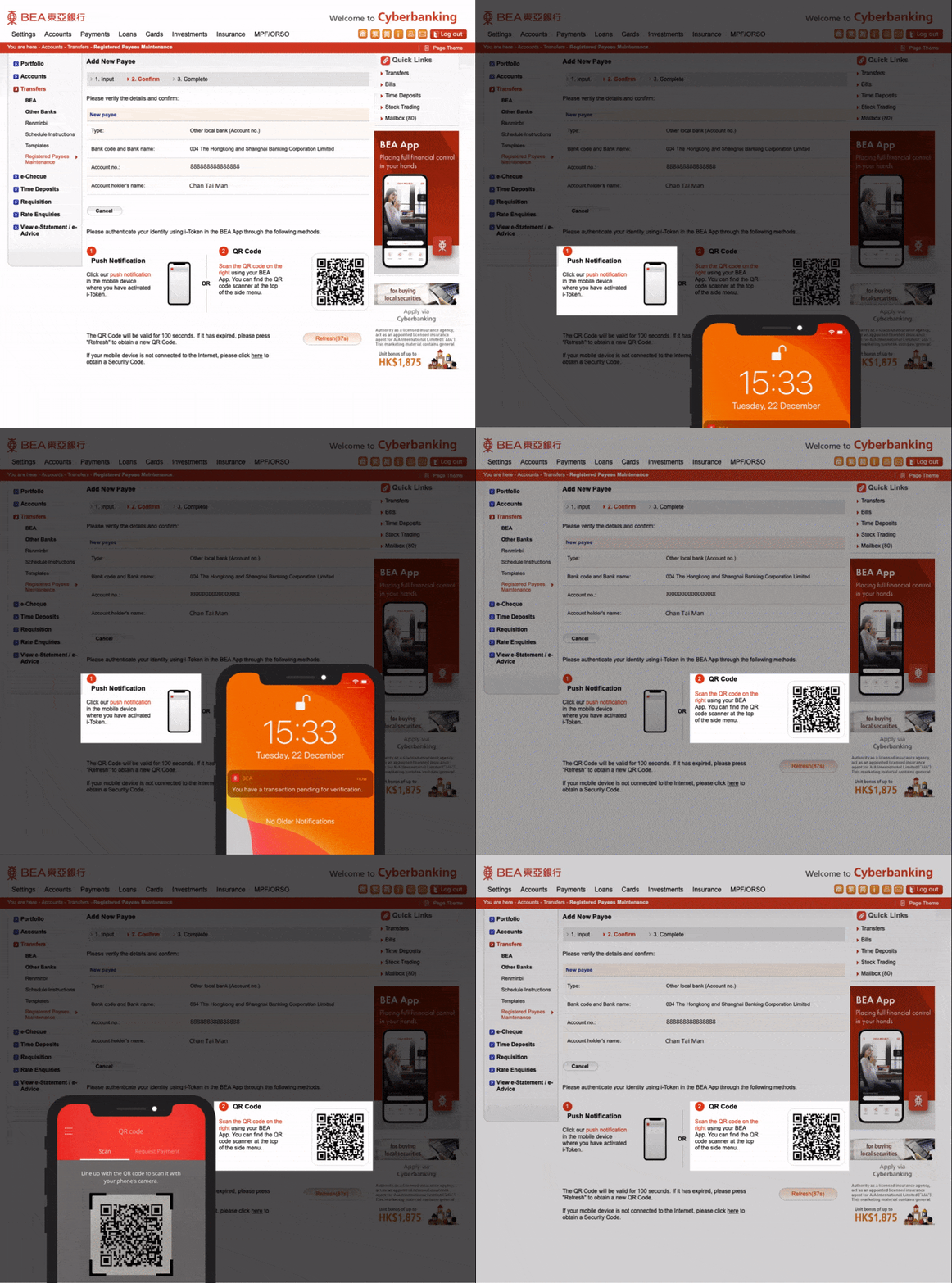
• Verify the details • Tap the i-Token1 notification on your mobile phone or Scan the QR Code using the BEA App QR Code Scanner2 -
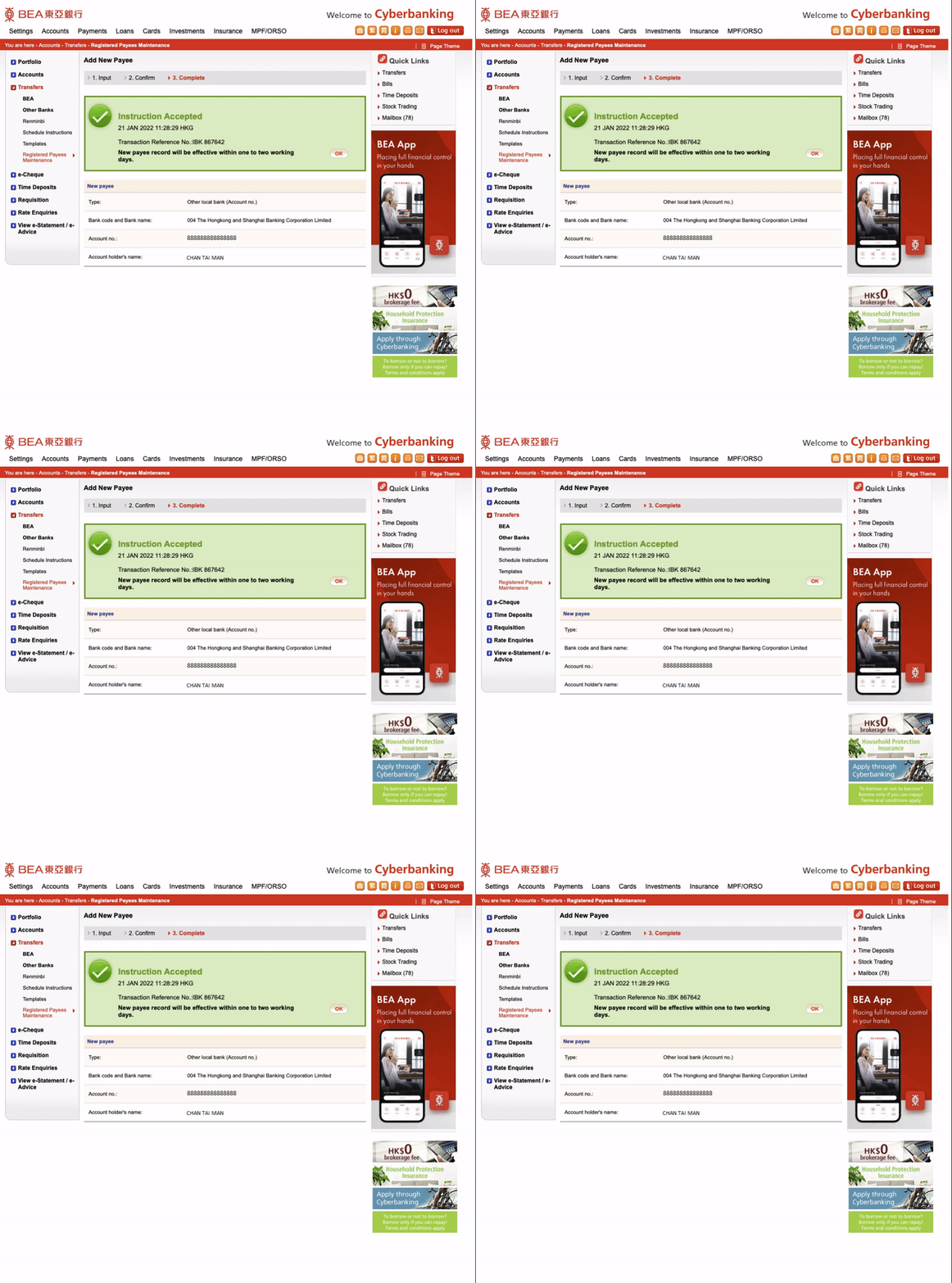
• Your instruction is submitted and the effective date(s) are shown
Delete Registered Payees
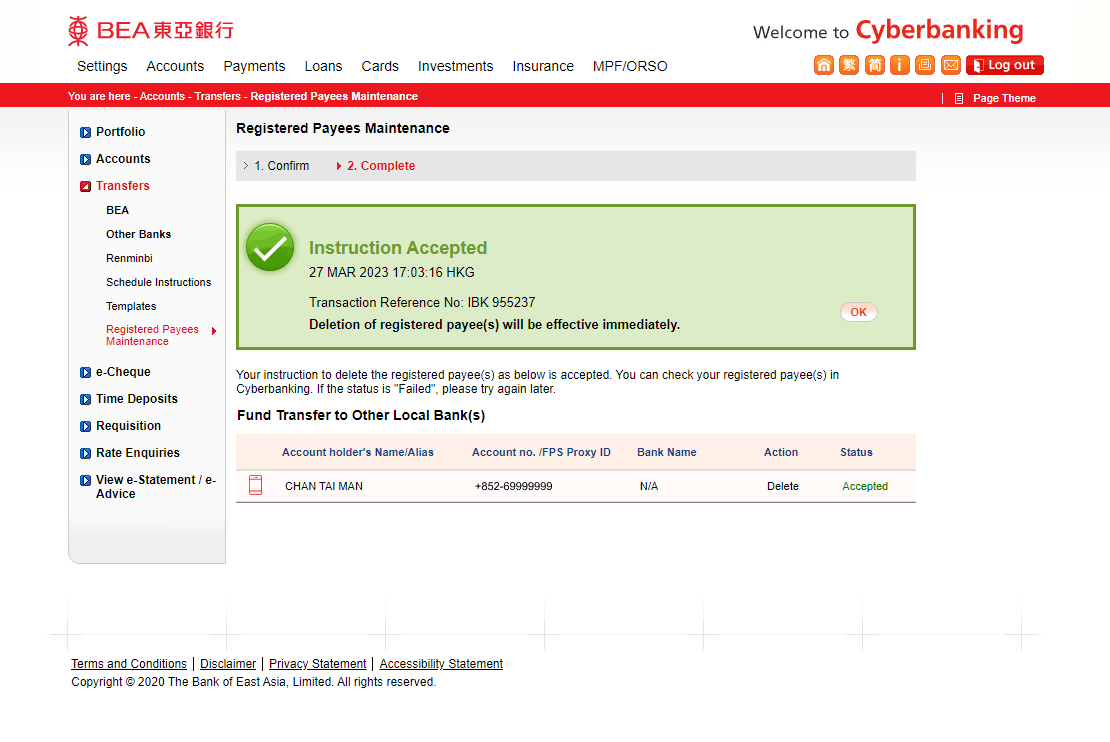
-
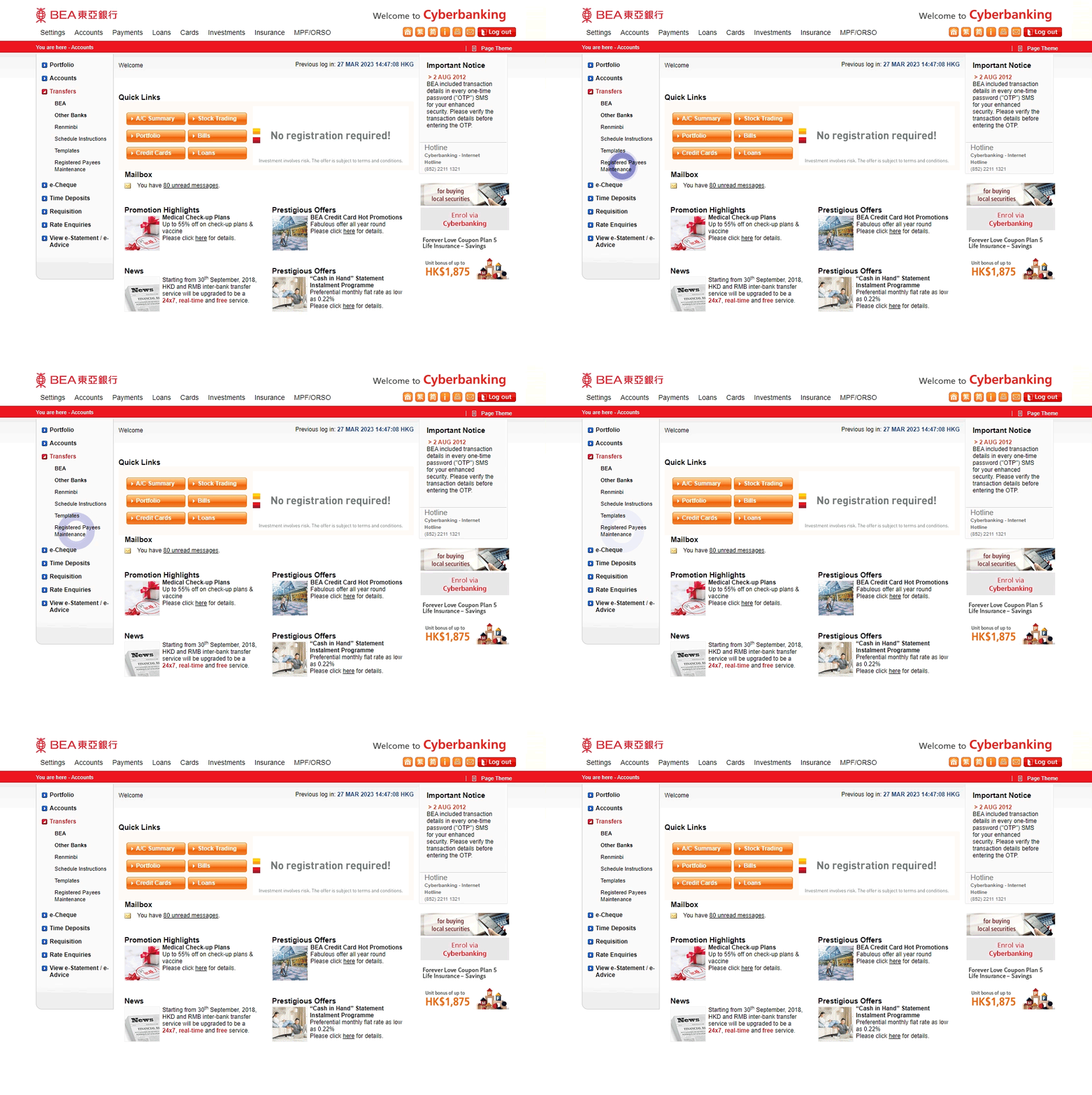
• Log in to Cyberbanking • Select Transfers > Registered Payees Maintenance -
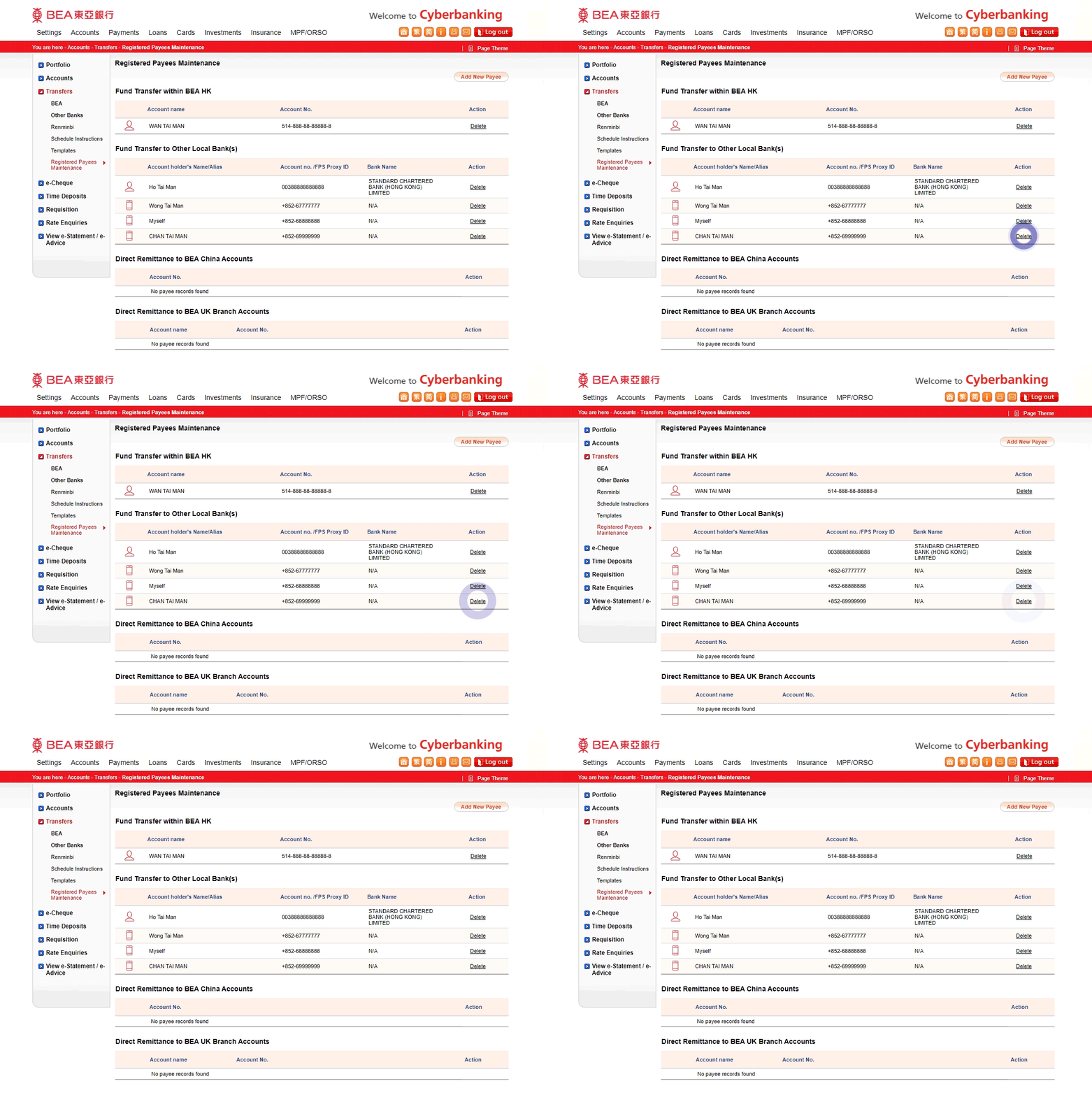
• Select "Delete" next to the payee to be deleted -
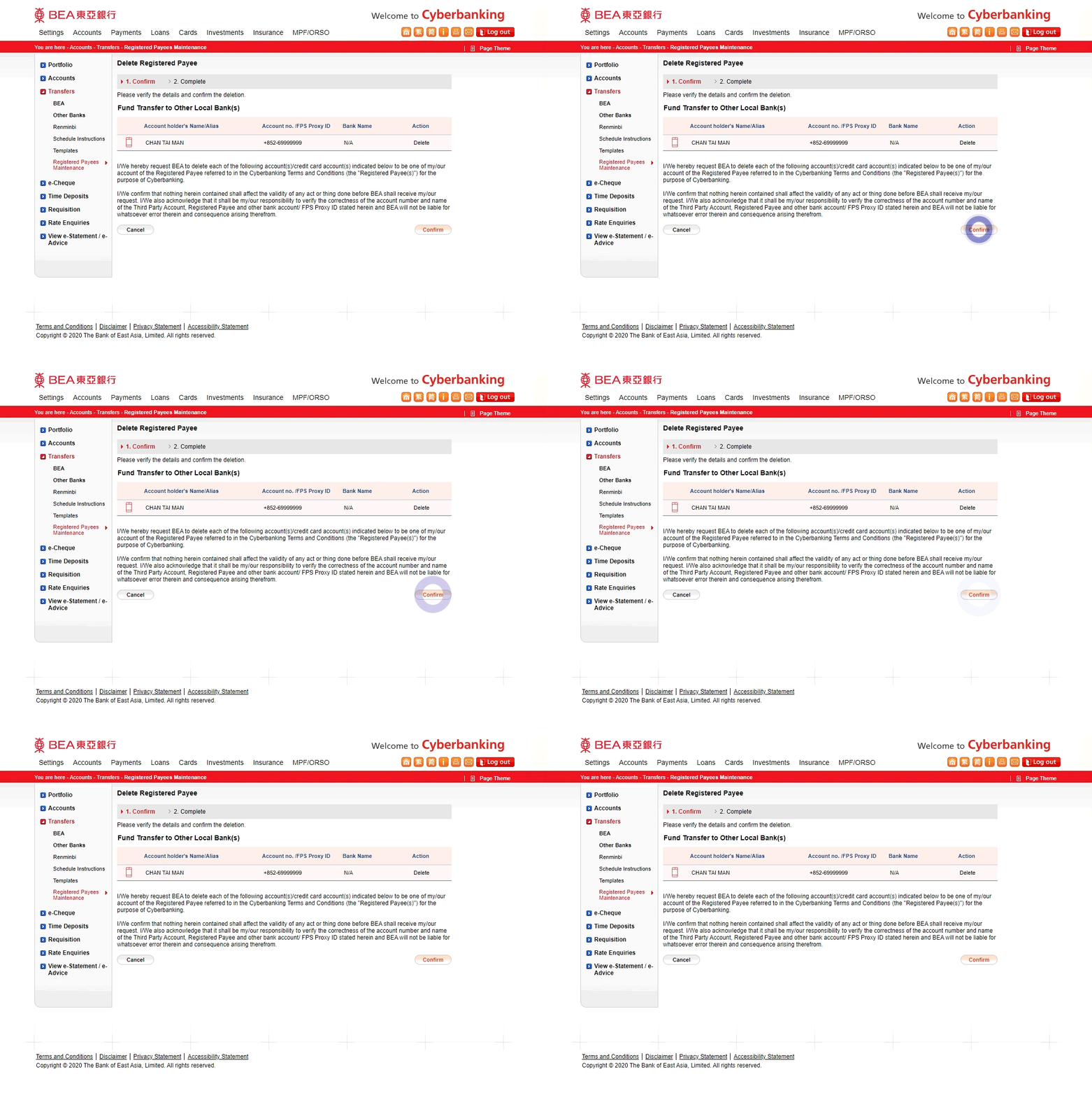
• Verify the details • Select "Confirm" -
• Your instruction is submitted