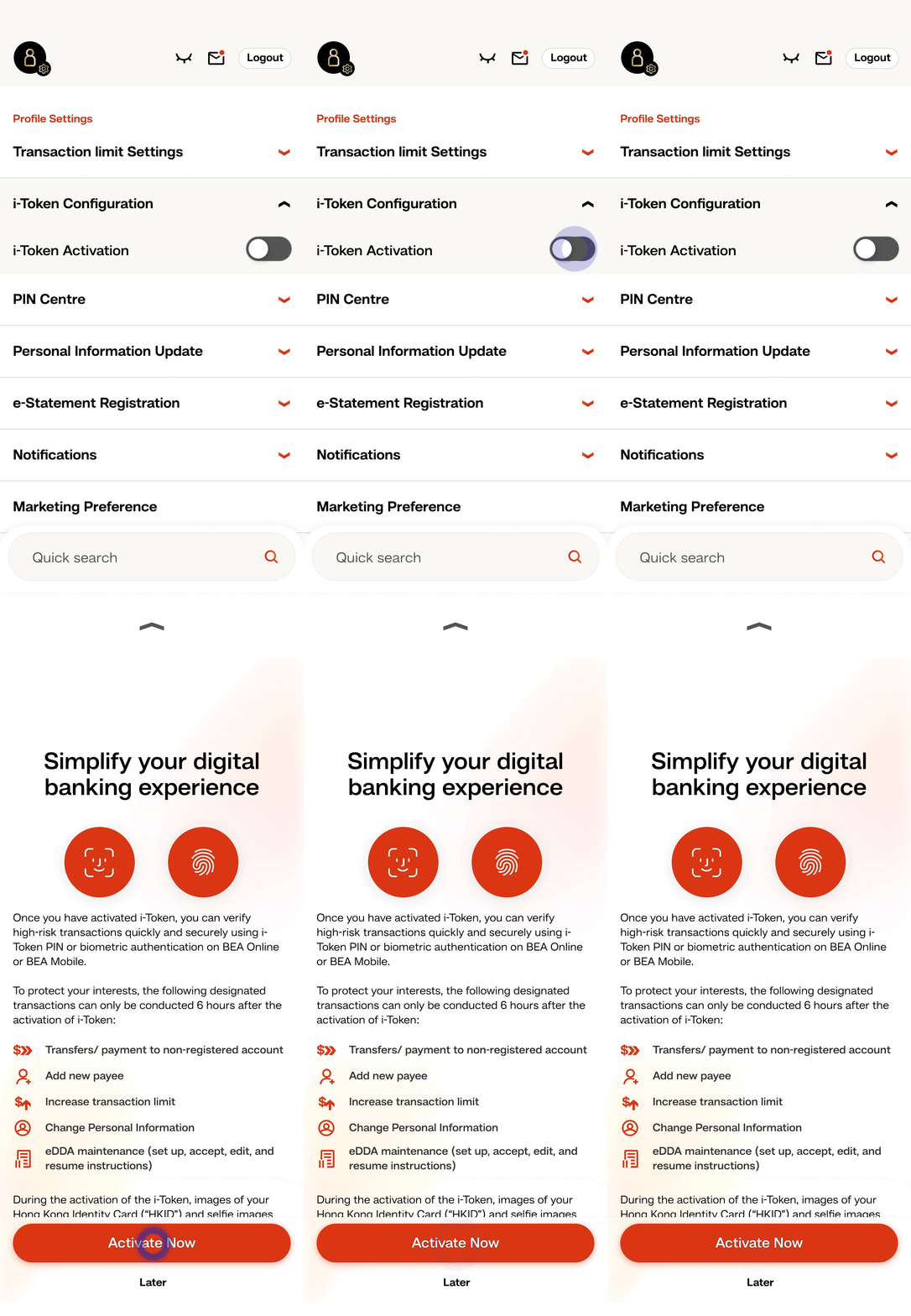
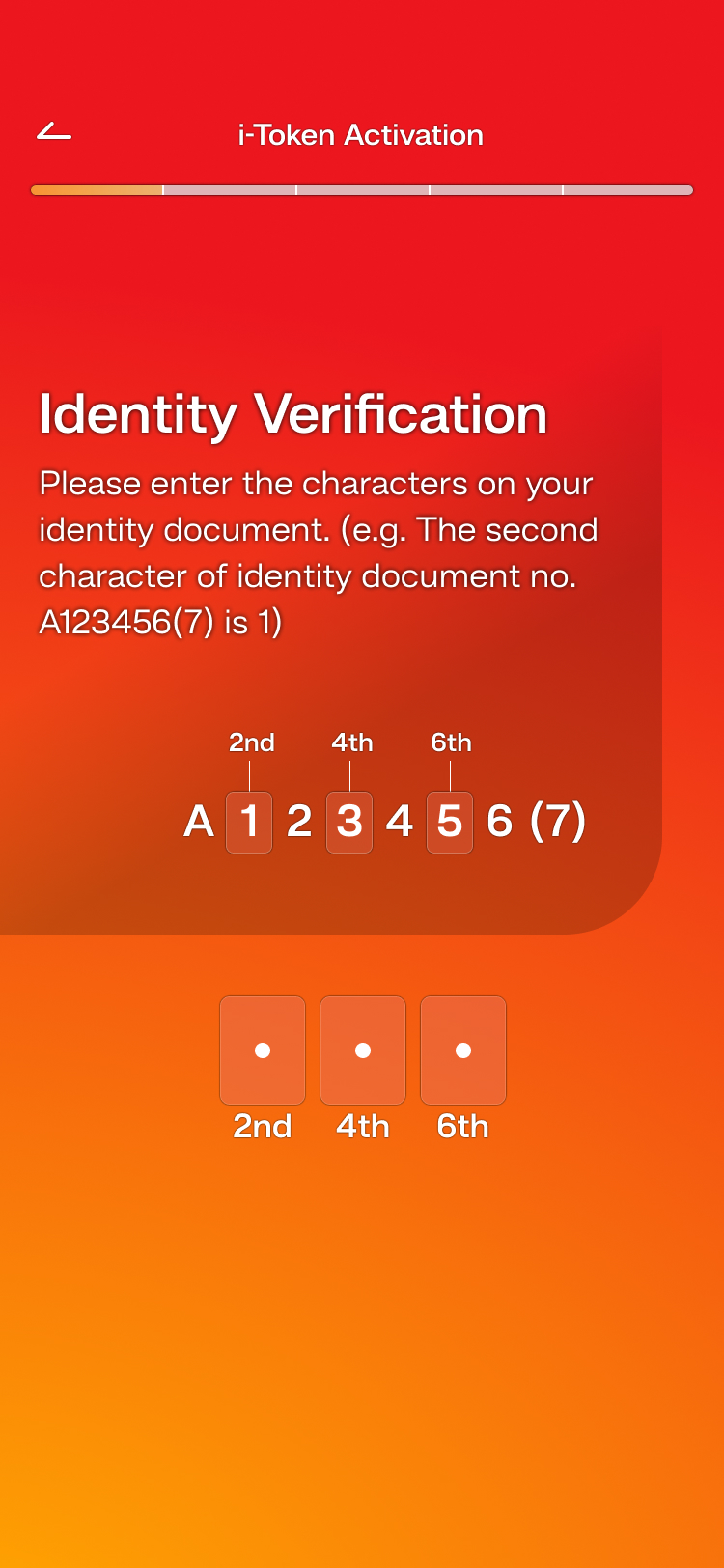
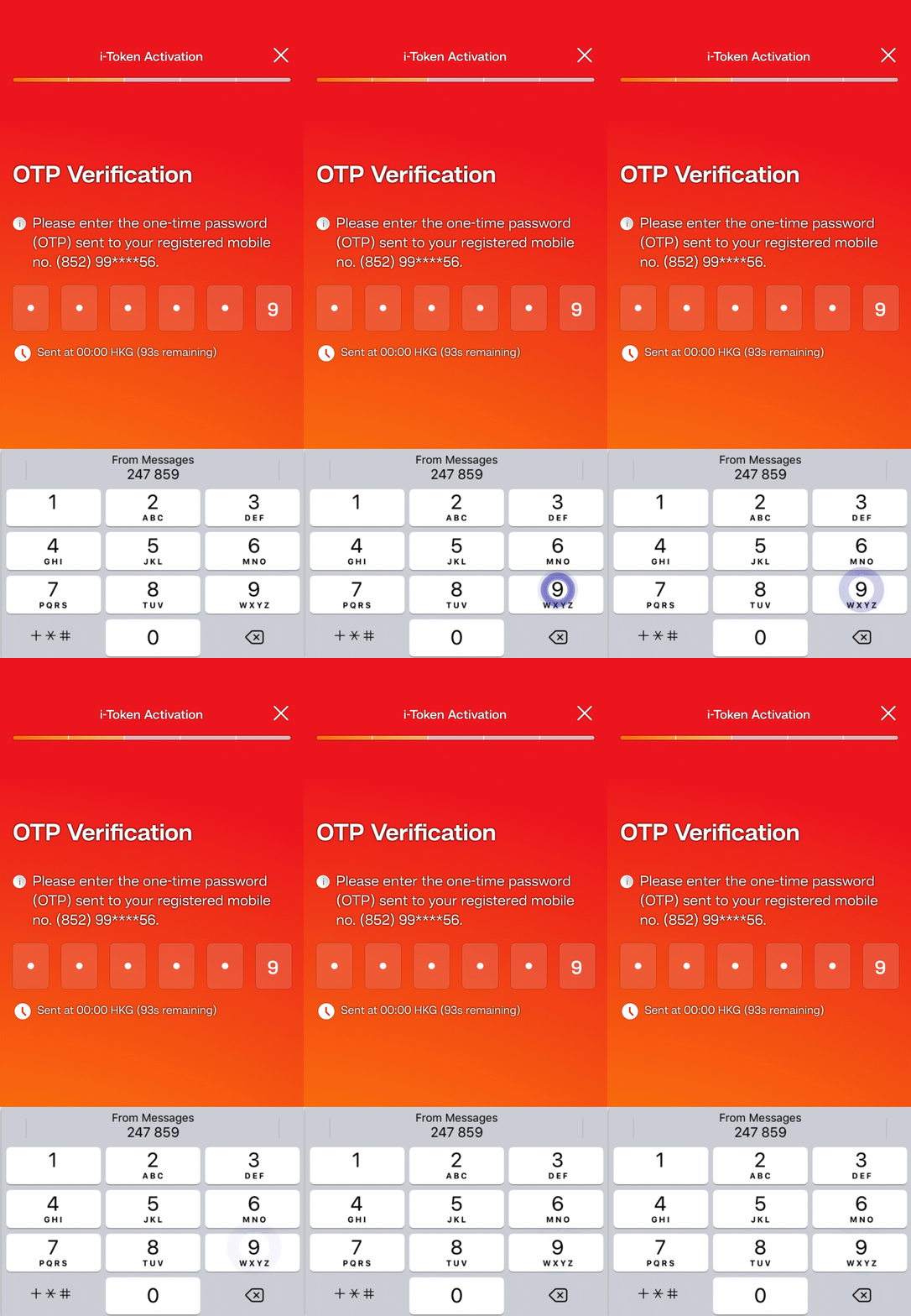
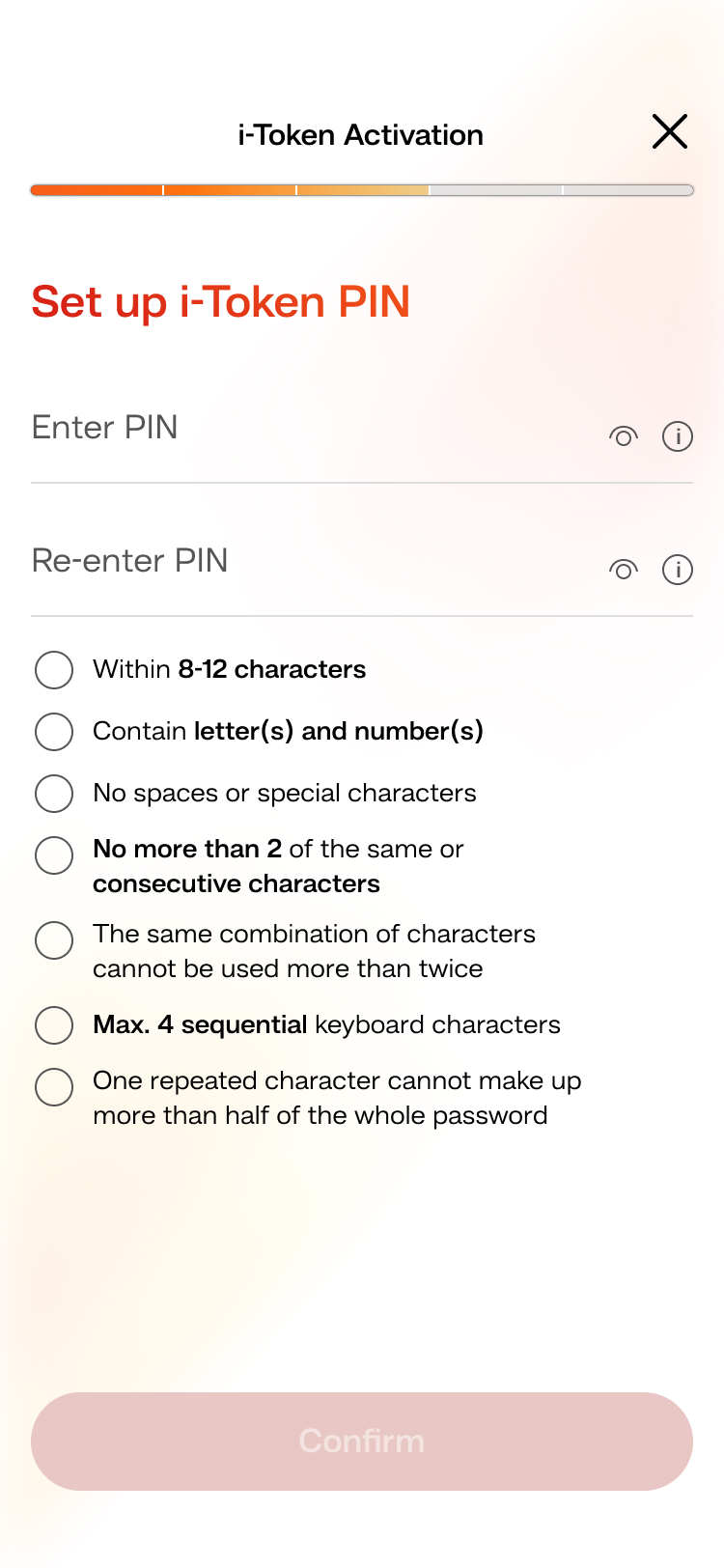
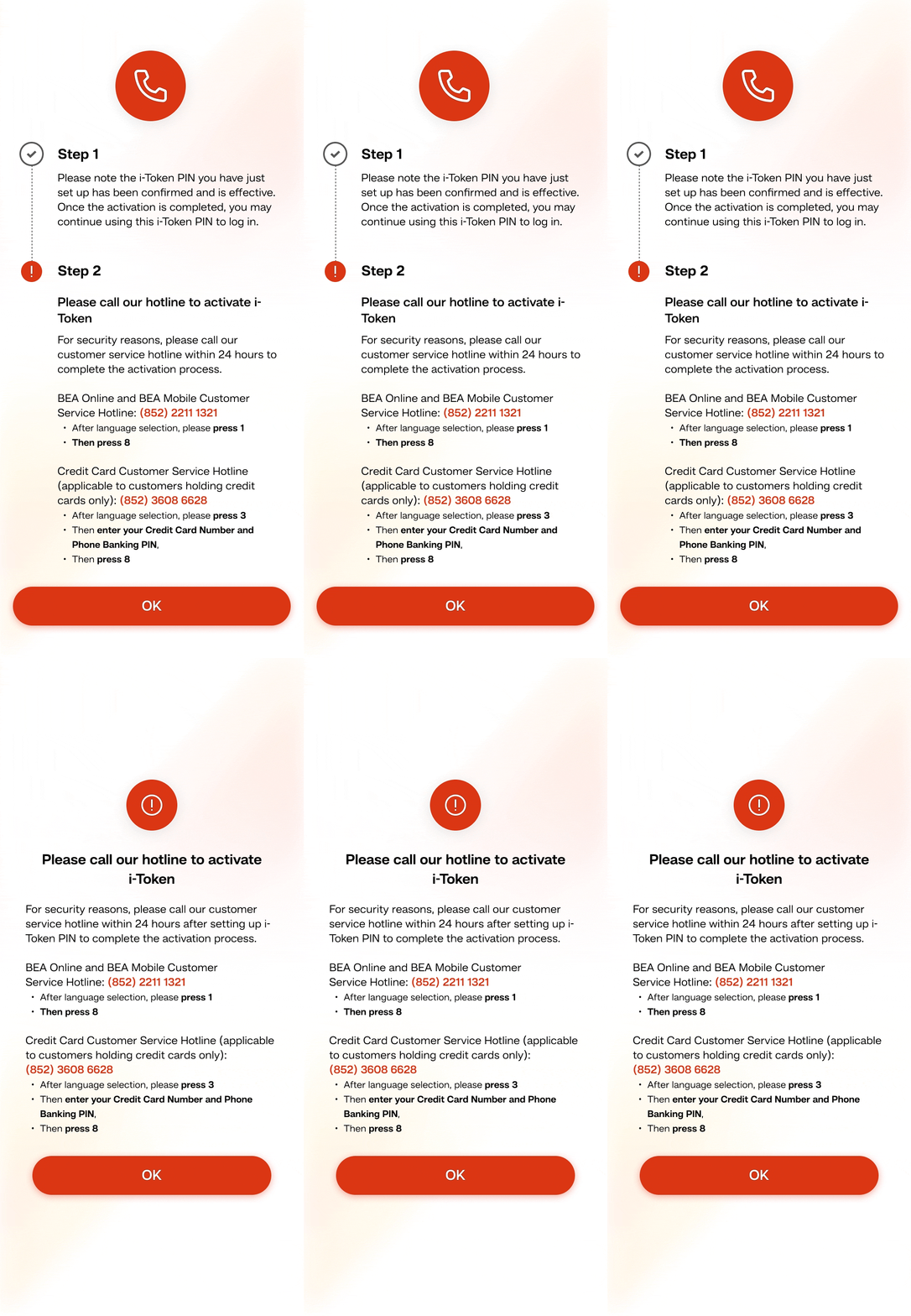
If you are non HKID customers or fail digital ID verification, please call our customer service hotline within 24 hours to complete the activation process.
•
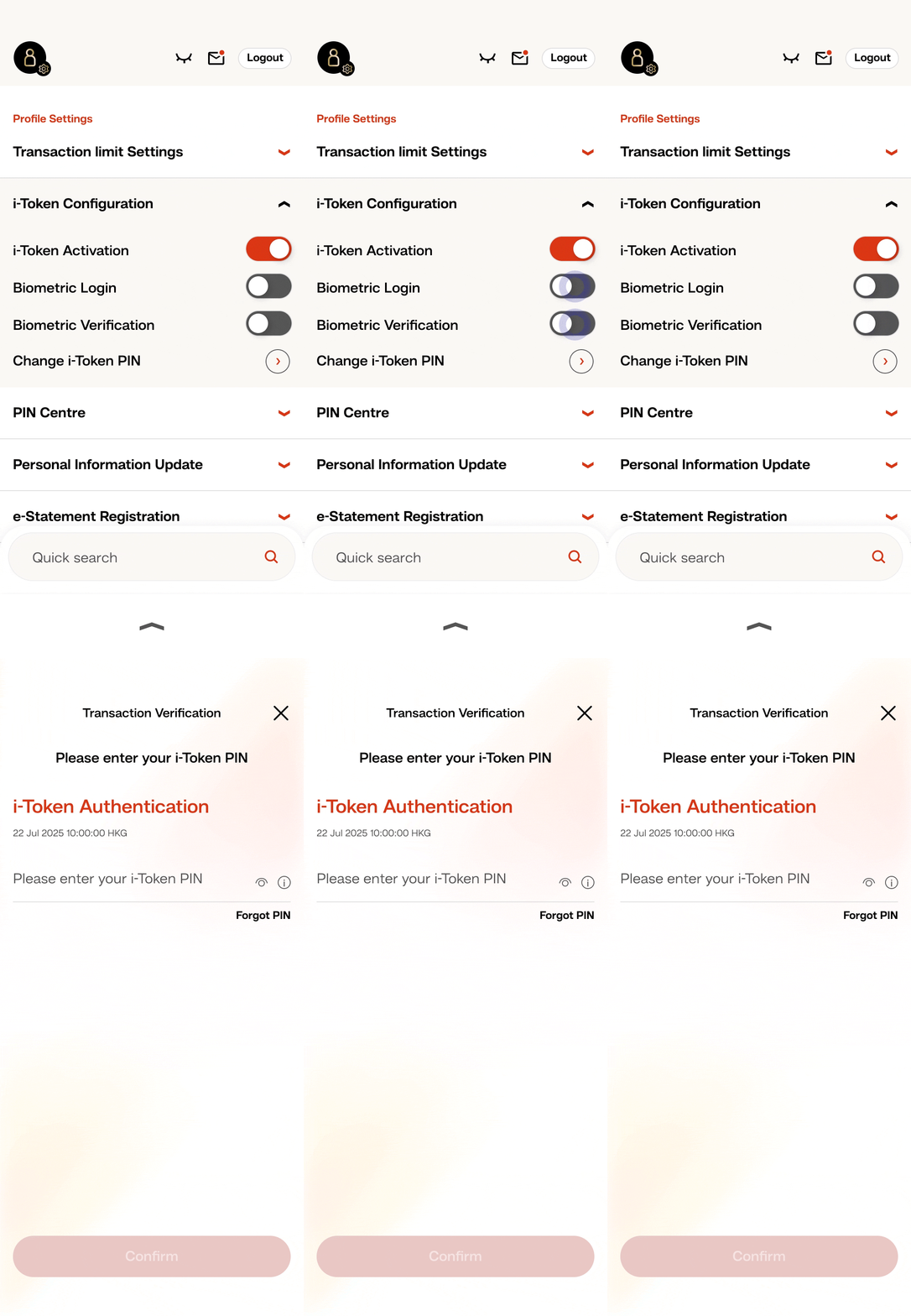
Log in to BEA Mobile
•
After activating i-Token, you can select “Biometric Login” or “Biometric Verification” in “Profile Settings”
•
Enter your i-Token PIN
•
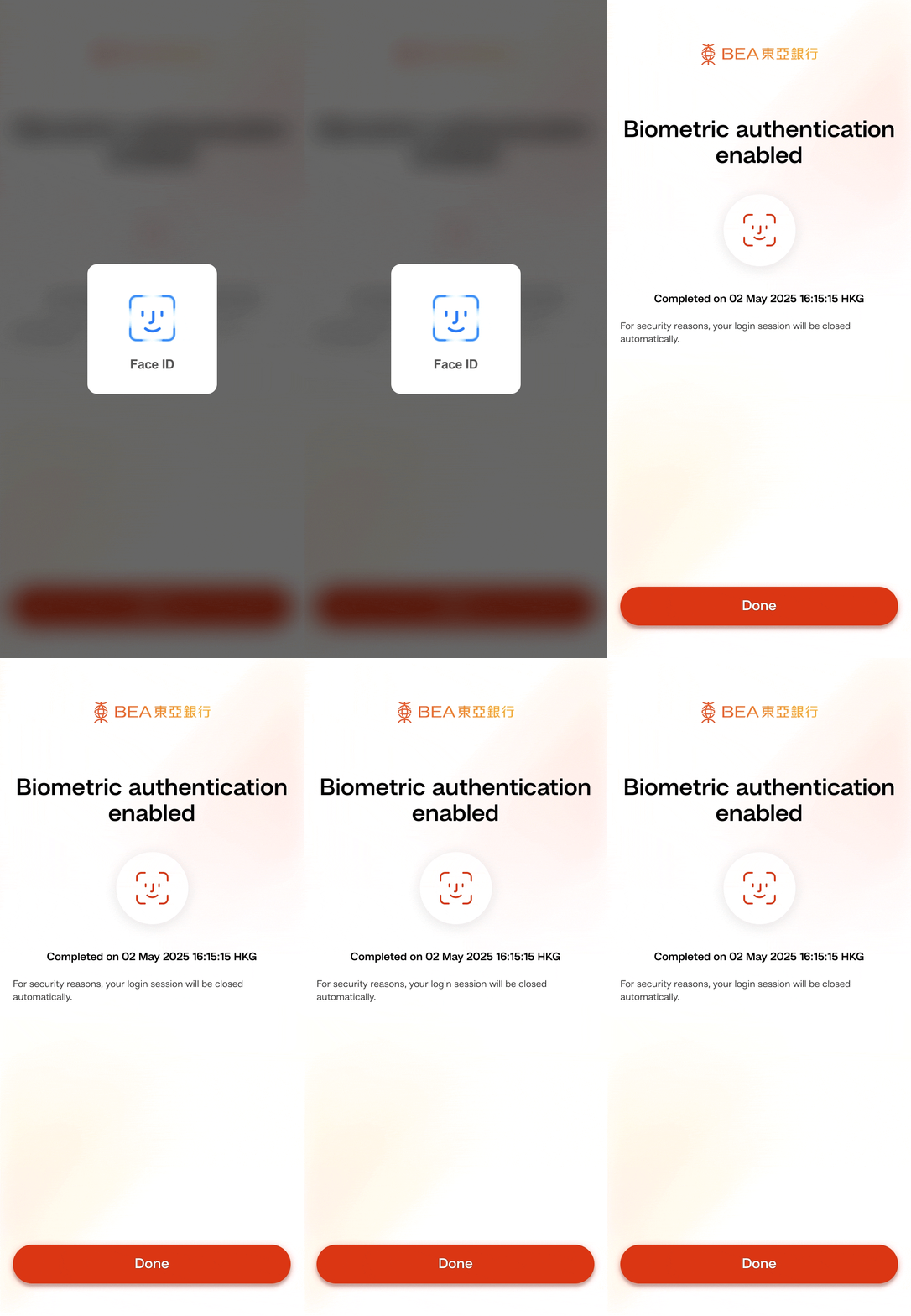
Verify your biometrics
•
The biometric authentication service you selected has been activated
Download BEA Mobile and activate your Mobile Banking to manage your finances at your fingertips.