How to Activate the Login Process (for non-BEA Customers)
How to Activate the Login Process (for non-BEA Customers)
-
| • |
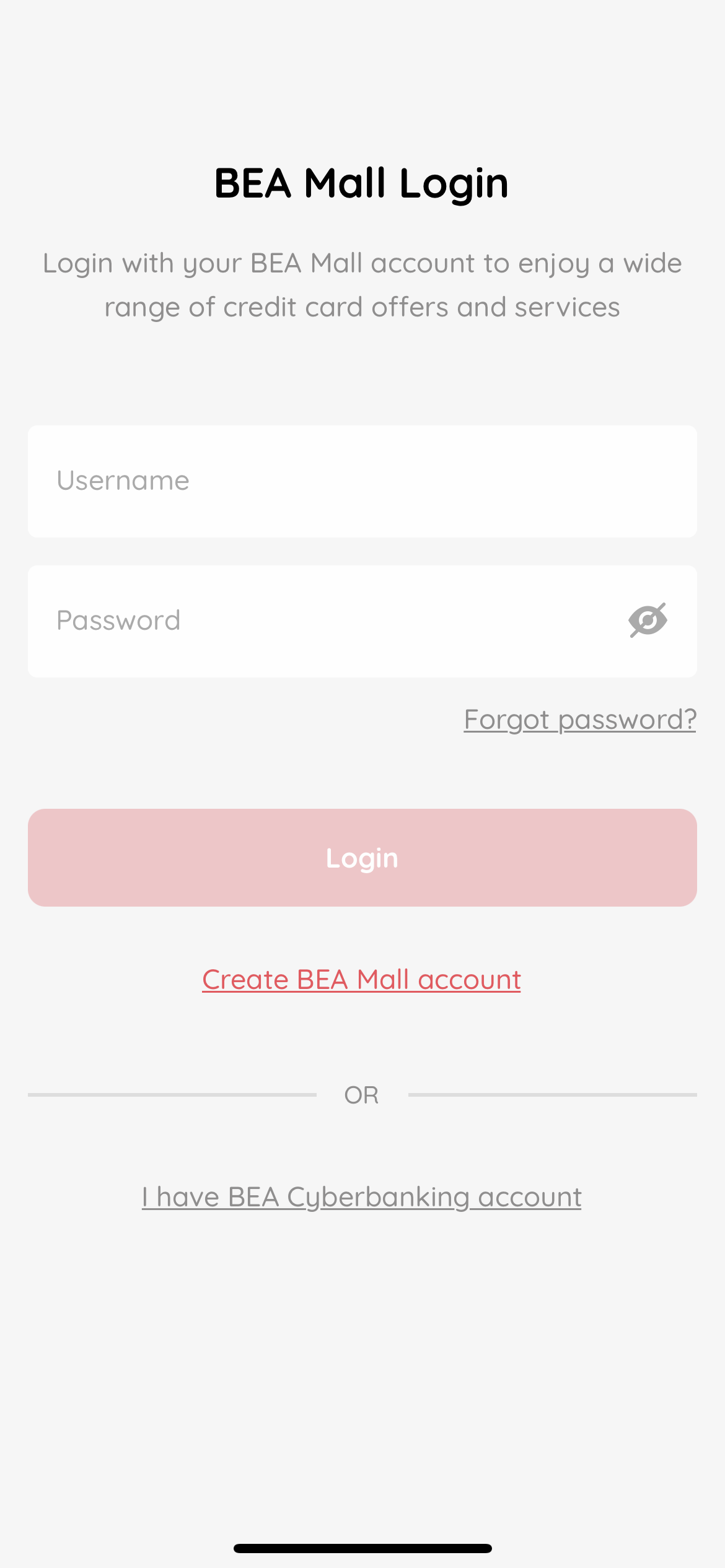
Open the BEA Mall app.” |
| • |
Select “Create BEA MALL account”. |
-
| • |
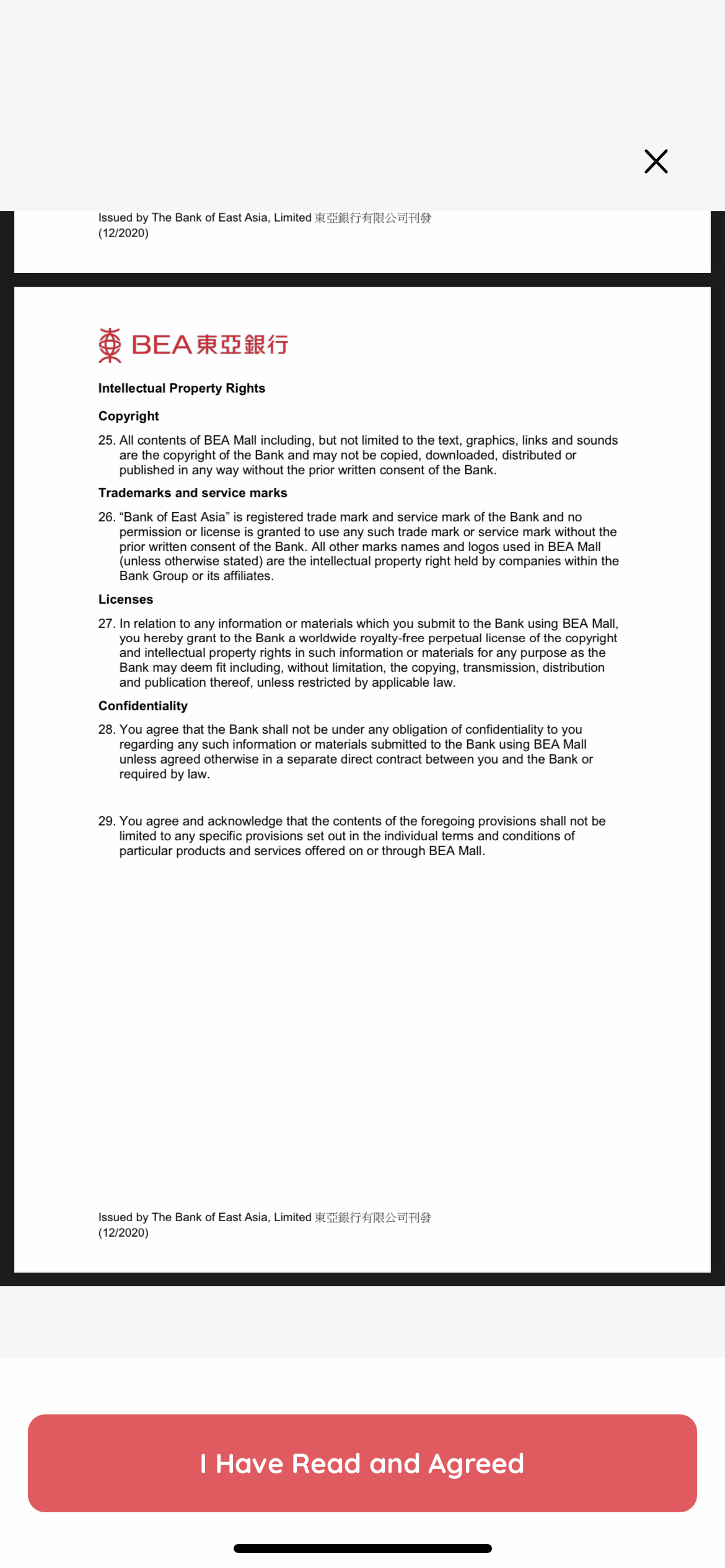
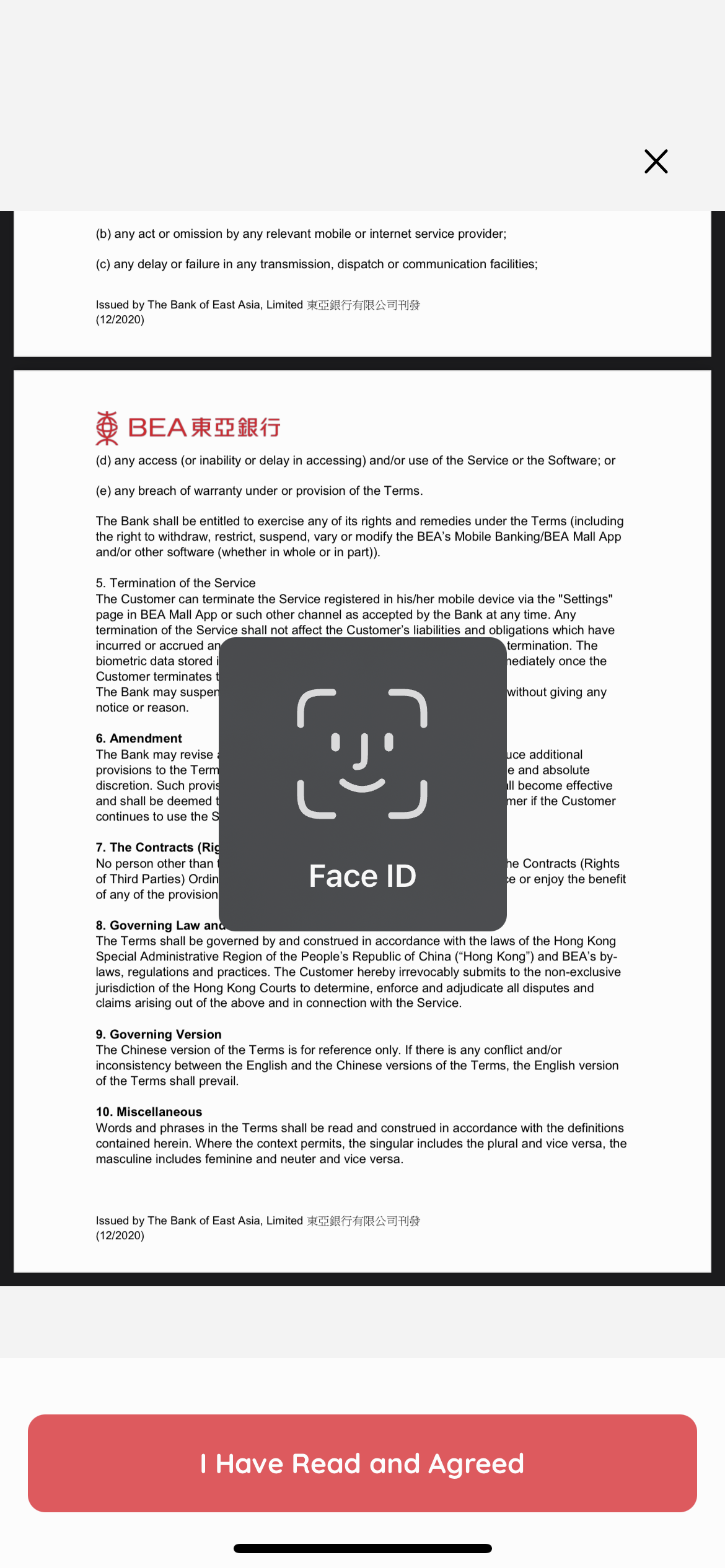
Read terms and conditions and click “I have read and agree to the T&C”. |
-
| • |
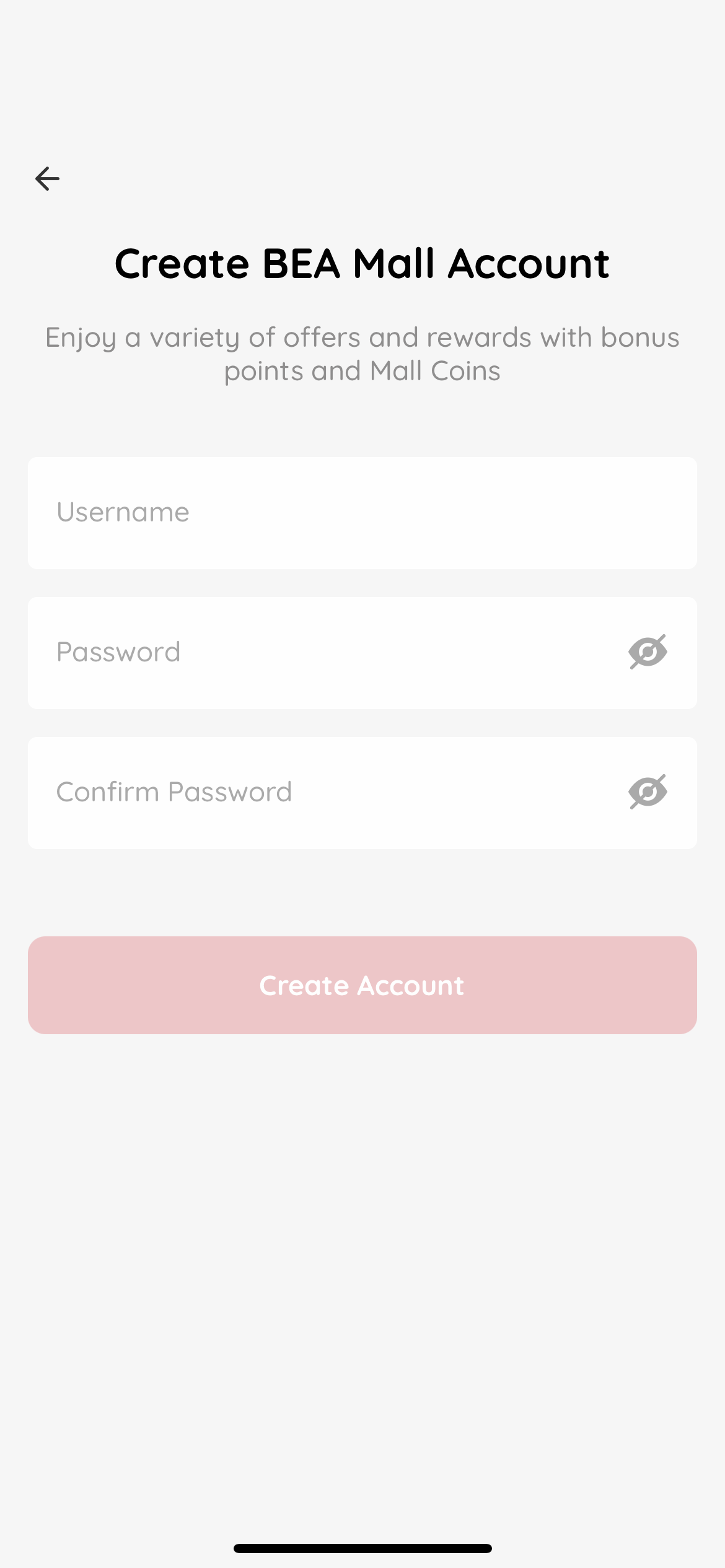
Enter your username and password. |
| • |
Select “Create Account”. |
-
| • |
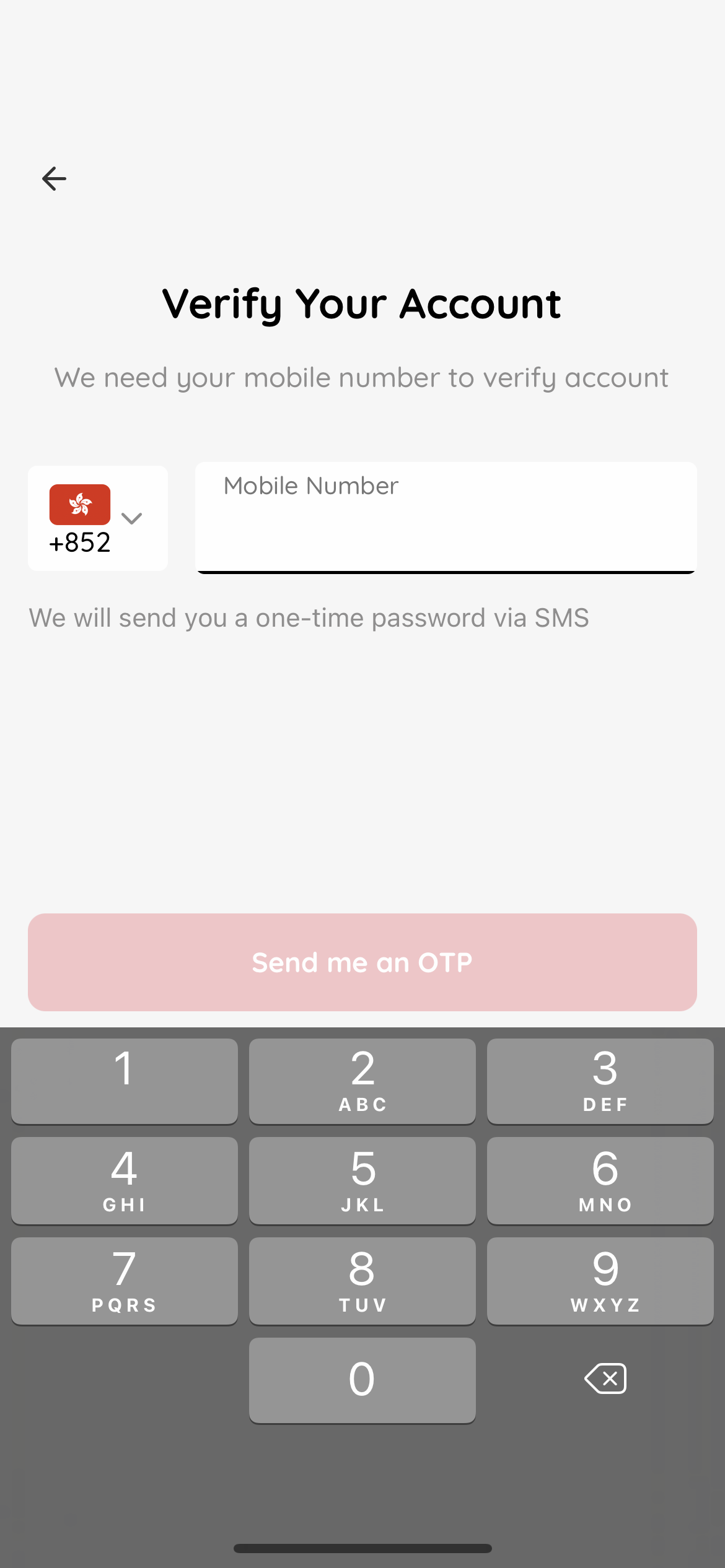
Enter a valid Hong Kong mobile number. |
| • |
Click “Send me an OTP”. |
| • |
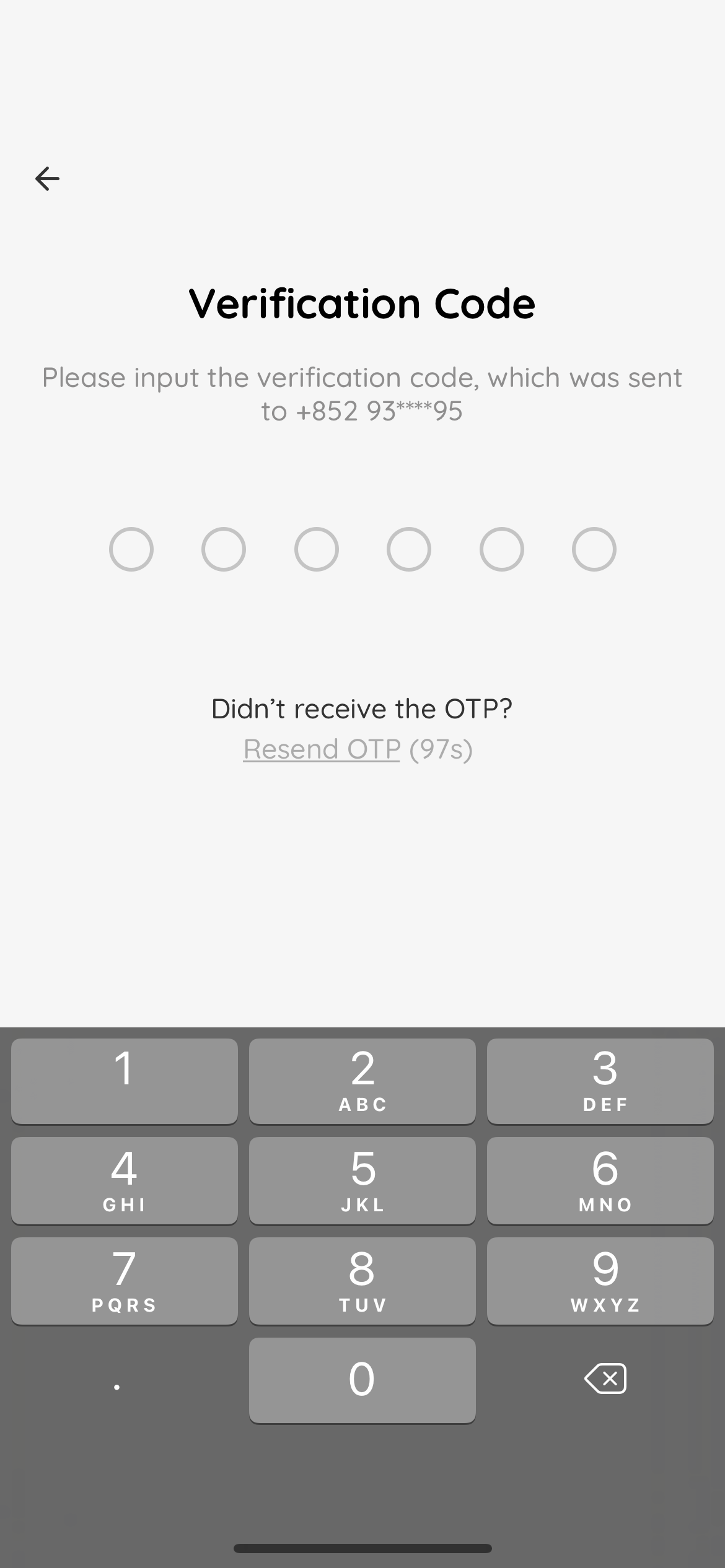
An SMS OTP will be sent to the mobile number entered, and will be valid for 100 seconds. |
-
| • |
Enter the one-time password (OTP) sent to you. |
| • |
Select “Next”. |
-
| • |
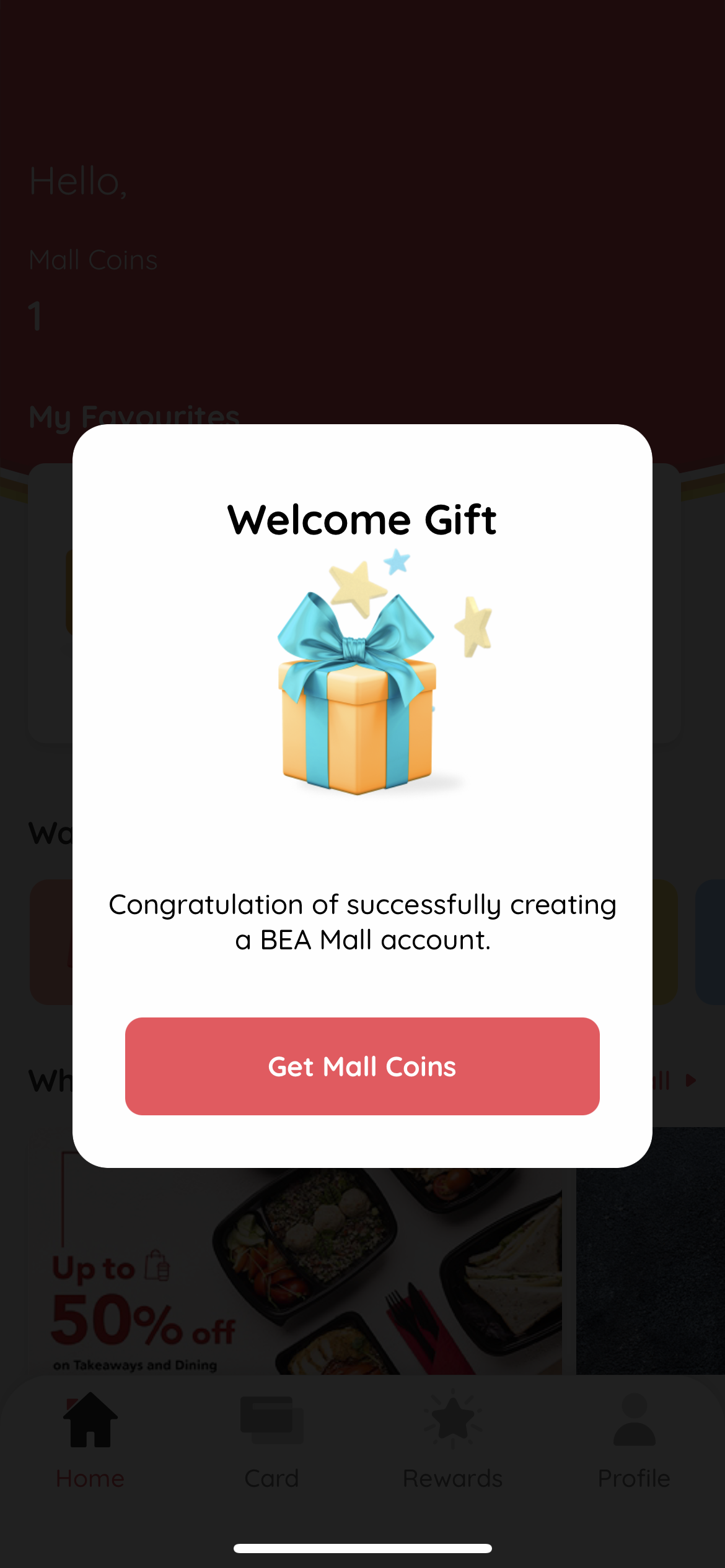
Welcome gift will be added to your account automatically. |
| • |
Click “Get Mall Coins”. |
-
| • |
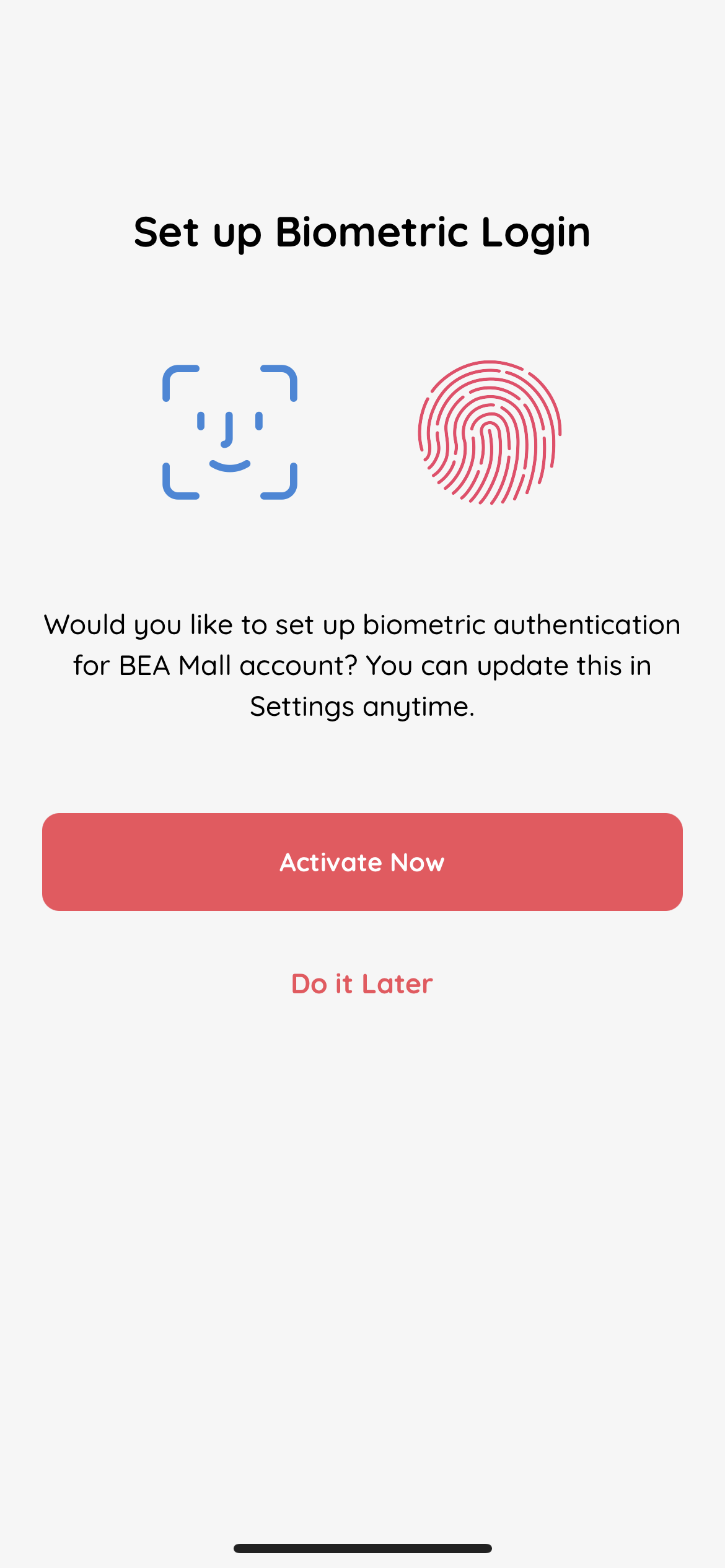
Select “Activate Now” to activate biometric login. |
| • |
Select “Do It Later” to skip biometric login activation. |
-
| • |
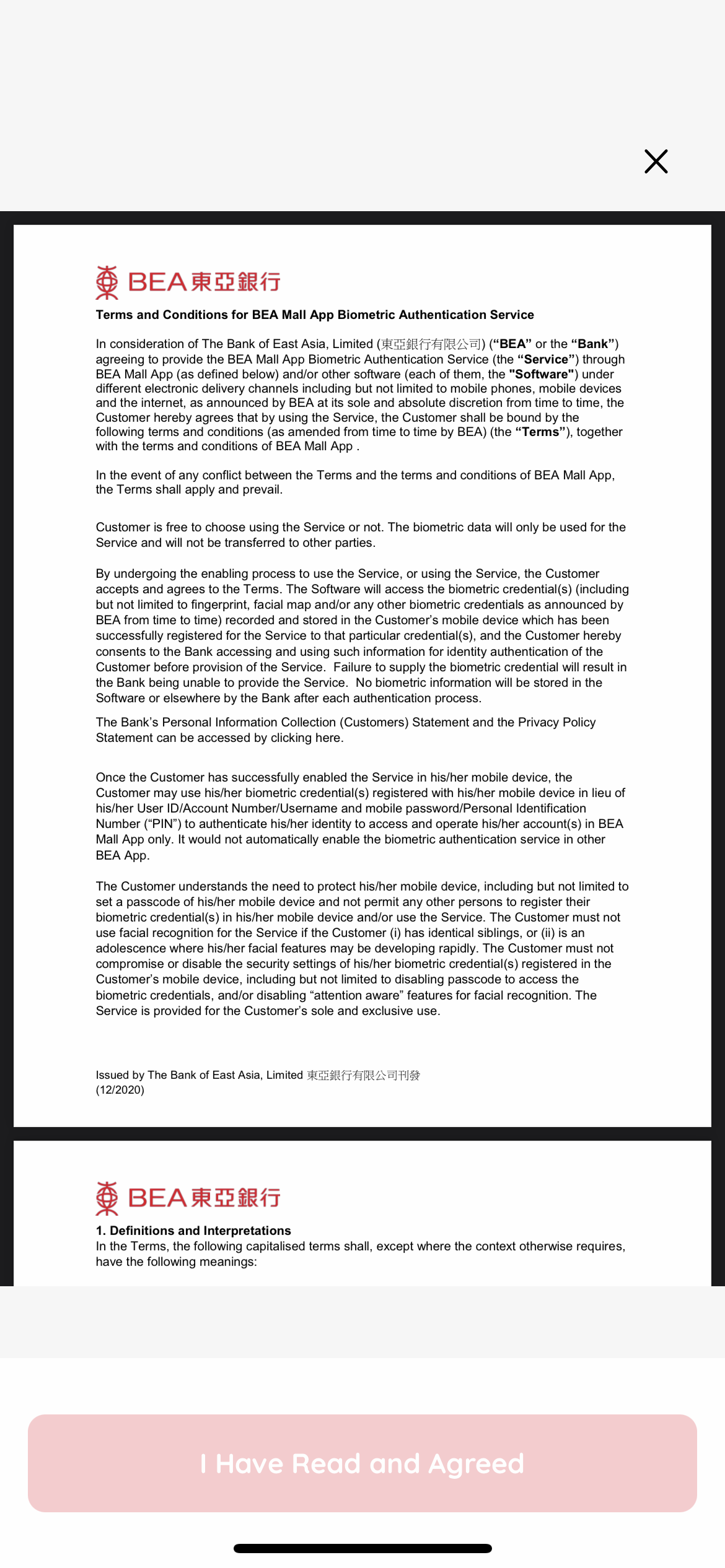
Read the terms and conditions and click “I have read and agree to the T&C”. |
-
| • |
Verify your biometrics. |
-
| • |
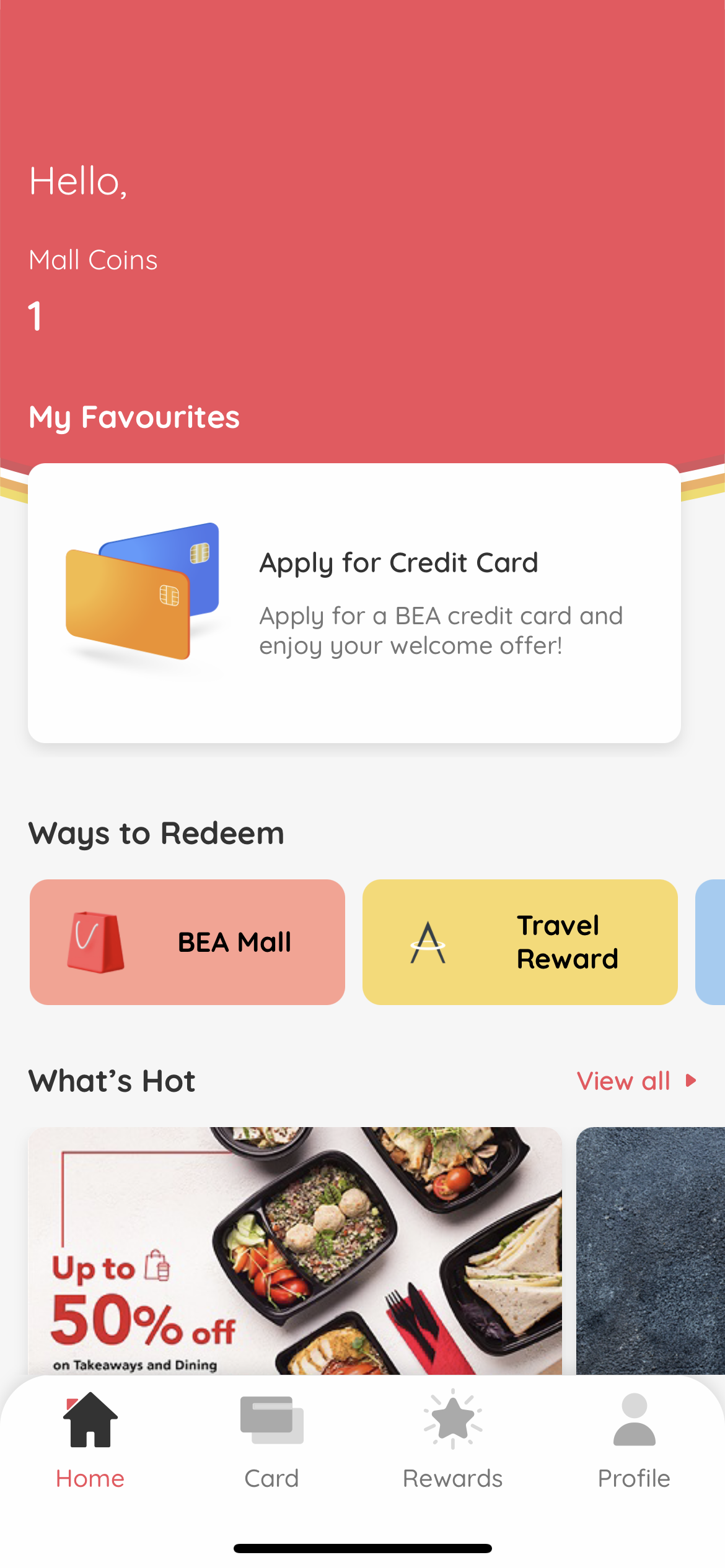
Your biometric authentication is enabled. |
| • |
Log in to explore BEA Mall. |